

Content Calendar
Social Media Browser Extension
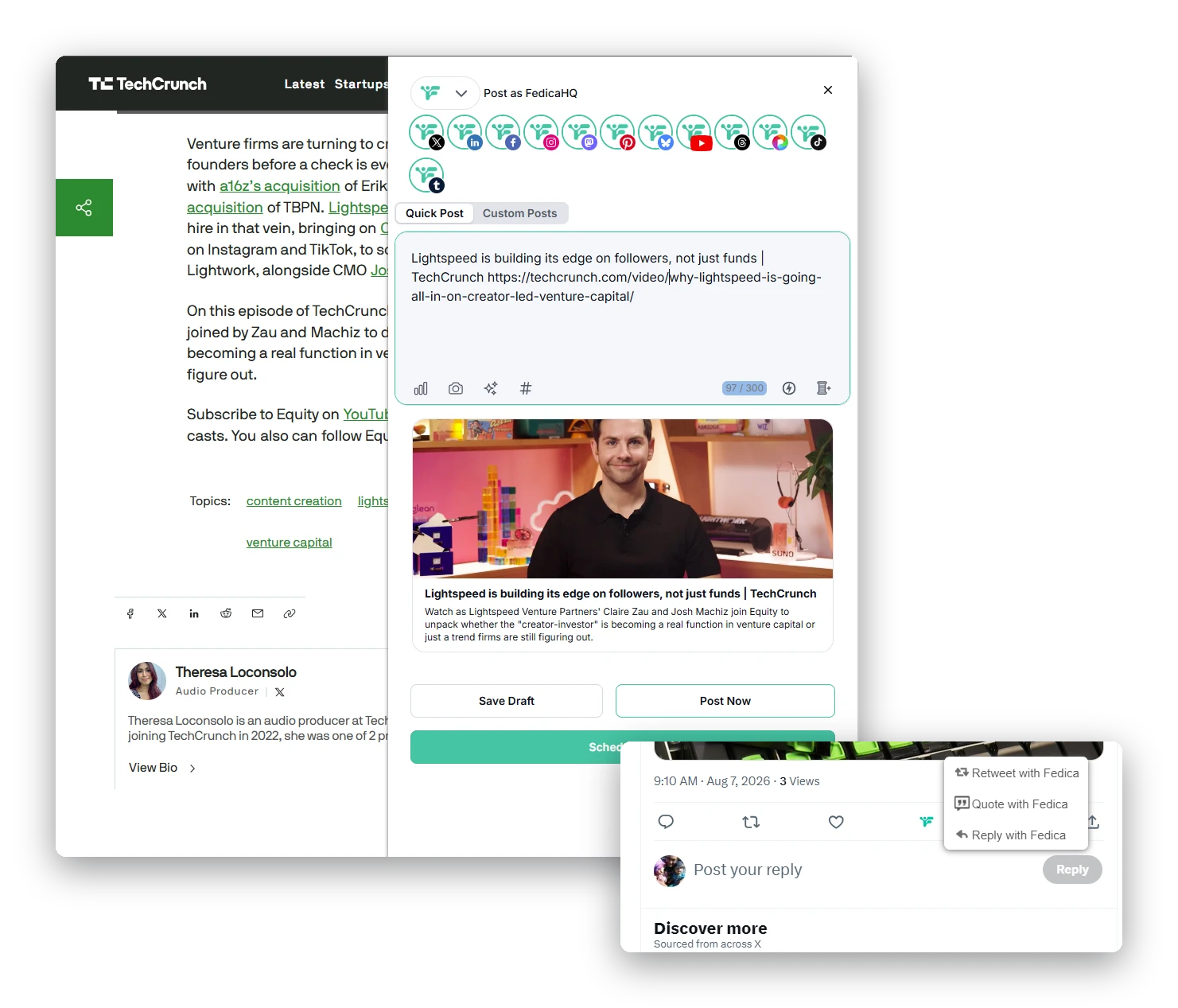
Fedica's Social Media Browser Extension lets you schedule or share posts, reposts, and web content directly from any page you're browsing. Built for social media managers, agencies, and creators, it turns whatever you're reading into a scheduled post without opening Fedica first. Stay consistent, without the extra effort.
Overview
What the Social Media Browser Extension Does
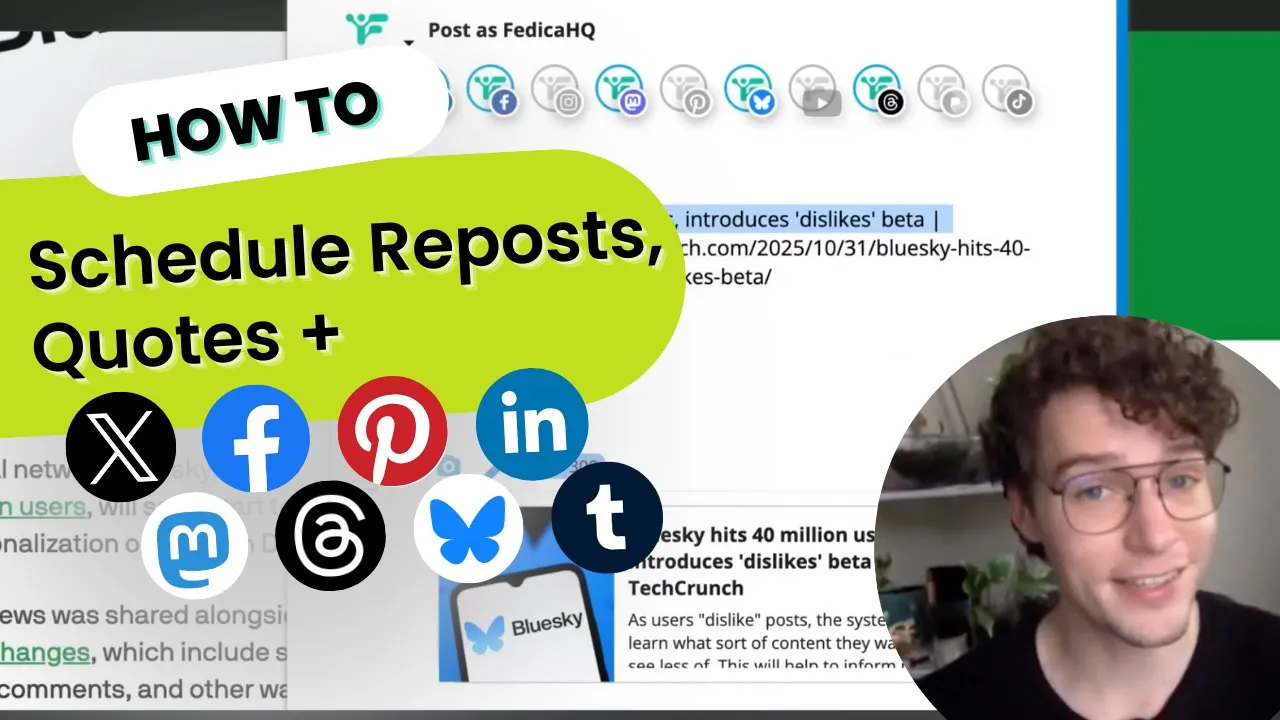
Whether you're on X or reading blogs and news articles, Fedica's Social Media Browser Extension lets you share anything right where inspiration happens. Share posts, reposts, quote posts, or any shareable content straight into your calendar, and Fedica posts it automatically at your community's Best Times to Post, or at the schedule you define. It works right in your browser: Chrome, Firefox, or Microsoft Edge.
How It Works
3 Ways to Schedule with the Browser Extension
- Retweets & replies: retweet and reply with threads and polls right from X (Twitter) itself. Fedica schedules them into your calendar and posts automatically at your schedule, or instantly.
- New posts: post new content right from any page by clicking the Fedica extension button. Fedica plugs your post into your calendar to publish later.
- Blogs and content: click the Fedica extension button on any blog post or article you want to share. Fedica plugs it into your calendar and posts at the scheduled time.
Why It Matters
Why Post Consistently
Growing a community fastest means finding the balance between posting often and not overwhelming your followers — as a general benchmark, that's around 6 times a day. Fedica's browser extension makes hitting that pace easy: schedule content the moment you find it, instead of saving it for later and forgetting.
Social Media Browser Extension Specs
| Spec | Detail |
|---|---|
| Browsers | Chrome, Firefox, and Microsoft Edge |
| Scheduling methods | Retweets & replies, new posts, and blogs & content |
| Free platforms | Bluesky, Facebook, Instagram, LinkedIn, Mastodon, Pinterest, Pixelfed, X (Twitter), Threads, and Tumblr |
| Paid-plan platforms | Tiktok, YouTube, and PeerTube |
See Fedica's plans for full pricing details.
FAQ
Frequently Asked Questions
What does Fedica's Social Media Browser Extension do?
- Fedica's Social Media Browser Extension lets you schedule or share posts, reposts, and web content directly from any page you're browsing, without switching to Fedica first. It posts automatically at your Best Times to Post, or on your schedule. Retweets, new posts, and articles all go through the same button. It's free for most platforms.
Which browsers does it work on?
- Fedica's browser extension is available for Chrome, Firefox, and Microsoft Edge.
Is the browser extension free?
- Yes, for Bluesky, Facebook, Instagram, LinkedIn, Mastodon, Pinterest, Pixelfed, X (Twitter), Threads, and Tumblr. Tiktok, YouTube, and PeerTube require a paid plan.
Can I schedule retweets and replies from X (Twitter) itself?
- Retweet or reply with threads and polls right from X (Twitter), and Fedica schedules them into your calendar to post automatically, on your schedule or instantly.
Can I share blog posts and articles, not just social posts?
- Click the Fedica extension button on any blog post or article you want to share, and it's added to your calendar to post at your scheduled time.