We are big fans of Hootsuite! We are also big fans of X (formerly Twitter) threads! We previously wrote about how to schedule threads; unfortunately, however, Hootsuite doesn’t support scheduling threads natively (at the time of this writing).
Checked August 2026: Hootsuite’s Composer gives one post box per X profile, with no control to add a second post or chain them into a thread.
But, of course you can schedule Twitter threads to Hootsuite with the Fedica plugin for Hootsuite! The first step is to install it.
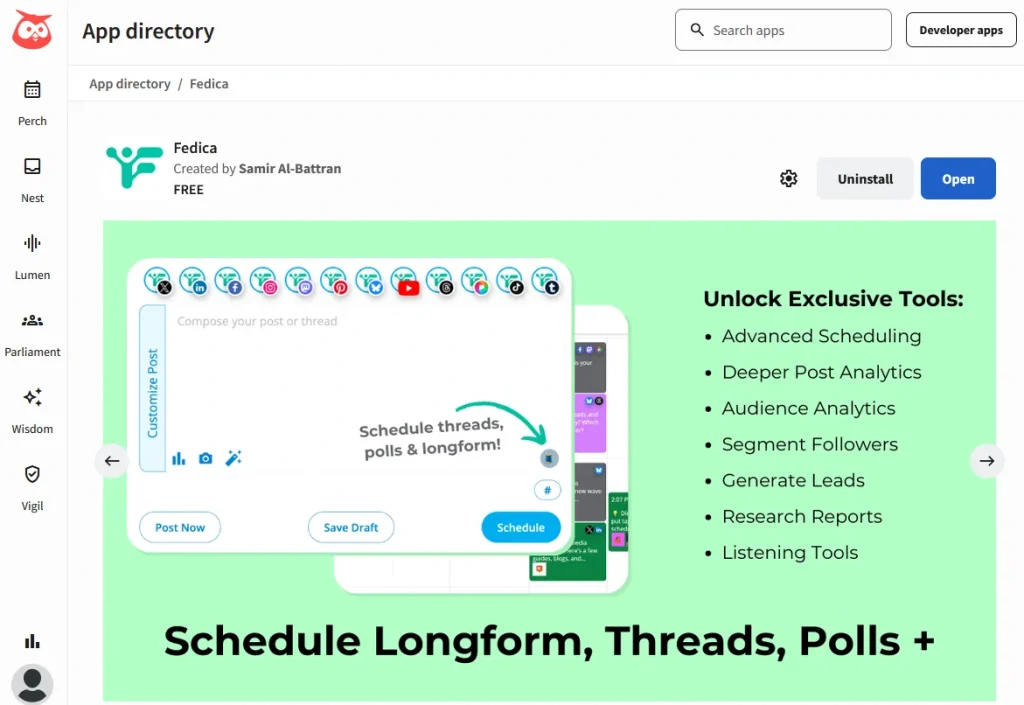


Here is a step by step guide on how to do it:
1. Install the Fedica Hootsuite app
Add a new stream, click the “Apps” tab.
If you have never installed it, click “Get more apps” and search for Fedica in the Hootsuite App directory then install it.
2. Add the Fedica dashboard to your streams
3. Switch to the “Posts Calendar” from the menu
4. Compose your first tweet in the Fedica post composer
5. Click the (+) at the bottom right corner.
6. Add more tweets to your thread
After composing each tweet, you can add more tweets by clicking (+) at the bottom right corner.
You can remove tweets by clicking (x) at the top right corner of each tweet in the thread.
7. Schedule the thread either by adding it to a Pipeline stream of content optimized for audience segments, or using the Specific Date option to choose a exact time.
Once scheduled, Fedica will take care of posting the thread at the optimal/desired time. Below, the green posts are in a pipeline optimized apart from the rest of the content!

Pro Tip: Add more streams of Fedica to use multiple tools side-by-side. For example, manage your followers, content in your calendar and build your target followers from the same dashboard. Below, you can see follower stats with location and growth monitoring, filtering of X followers by criteria, and specific interactive demographic charts giving you total control and clarity needed to build a targeted community.

Note that the threads will not show up in the regular Hootsuite planner–you will need to view them or edit them using the Fedica Posts Calendar.