
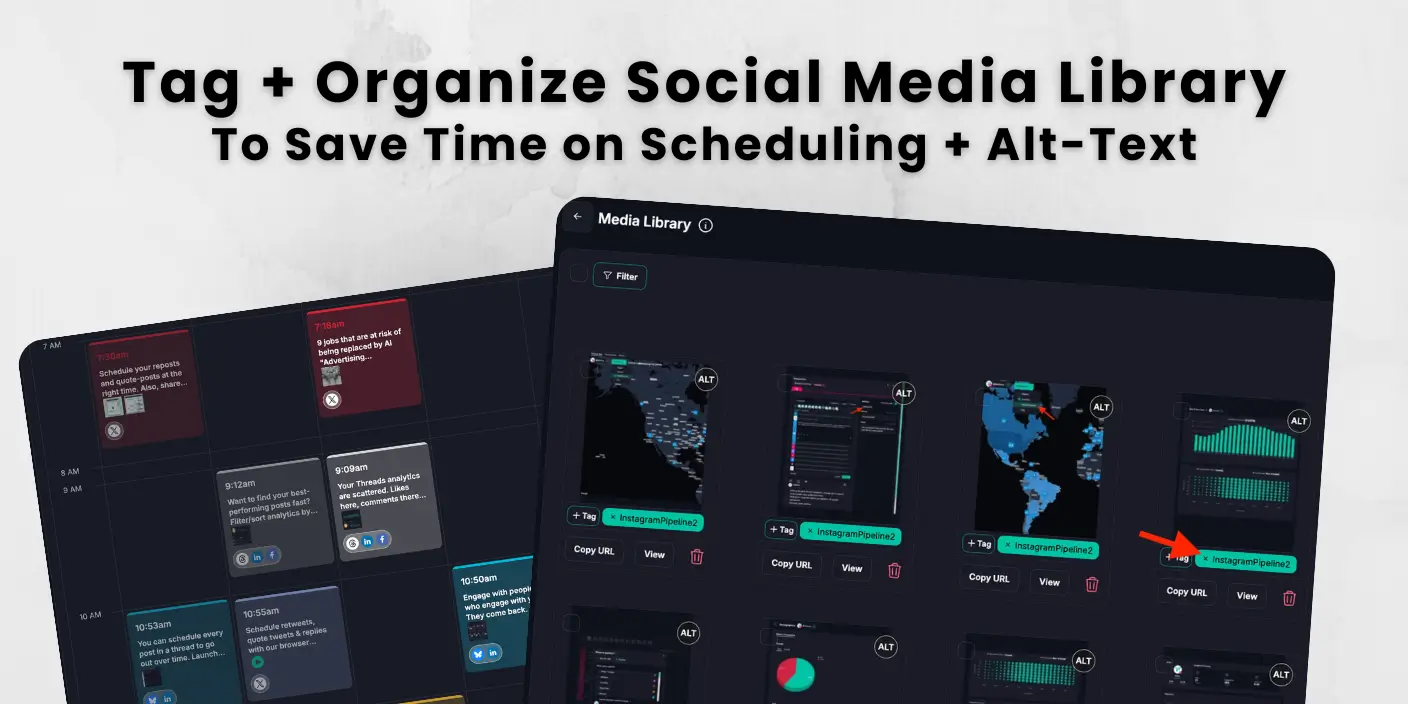
Social media content library workflows in Fedica help you organize media once and schedule faster every week.
This guide helps you see how to set up your media library. Upload assets into drafts or calendar flow, add simple tags, and save alt text in the media library. DataReportal reports 5.79 billion social media user identities globally, showing why clear publishing workflows matter. You will also get a simple weekly routine to keep your library clean and ready to post.
Key Takeaways
- Build your social media content library for publishing speed instead of file storage by connecting media, tags, and scheduling in one workflow.
- Upload media into drafts or calendar flow in Fedica, then tag by campaign, format, and topic so assets are reusable every week.
- Save alt text in the media library once, then carry it into recurring and bulk posts for consistent accessibility and stronger social SEO context.
- Run a simple operating rhythm with short daily cleanup plus a weekly refresh so your library stays useful and your queue stays full.
- Use repeatable content buckets and caption frameworks to turn the social media content library into a reliable posting engine.
How to Make Your Social Media Content Library Publish-Ready from Day One
A social media content library works best when it is structured for direct publishing from the start. Use one connected flow for storage, tagging, and scheduling so approved assets are always ready to post. In Fedica, media can move straight into drafts and calendar scheduling without extra transfer steps. This setup gives your team consistent weekly output from the first week.
How to organize scattered media folders into one social media content library
Keep media in one managed location so your team can retrieve approved assets instantly. A working social media content library removes search overhead and keeps publishing in one flow, while many competitor solutions still separate asset storage from scheduling.
Why your social media content library still feels slow even with existing assets
Most teams already have enough assets, so speed comes from retrieval quality. When assets are tagged, reusable, and linked to scheduling, posts move from idea to publish with less manual effort.
What a Practical Social Media Content Library Actually Includes
A practical social media content library includes reusable media, clear tags, caption support, and post-ready metadata like alt text. It should help your team find assets fast, without searching across multiple tools. The best setup connects to your posting flow so assets move from library to schedule fast. That turns a file collection into a working system for recurring and bulk posts.
Social media content library vs content calendar. What is the difference?
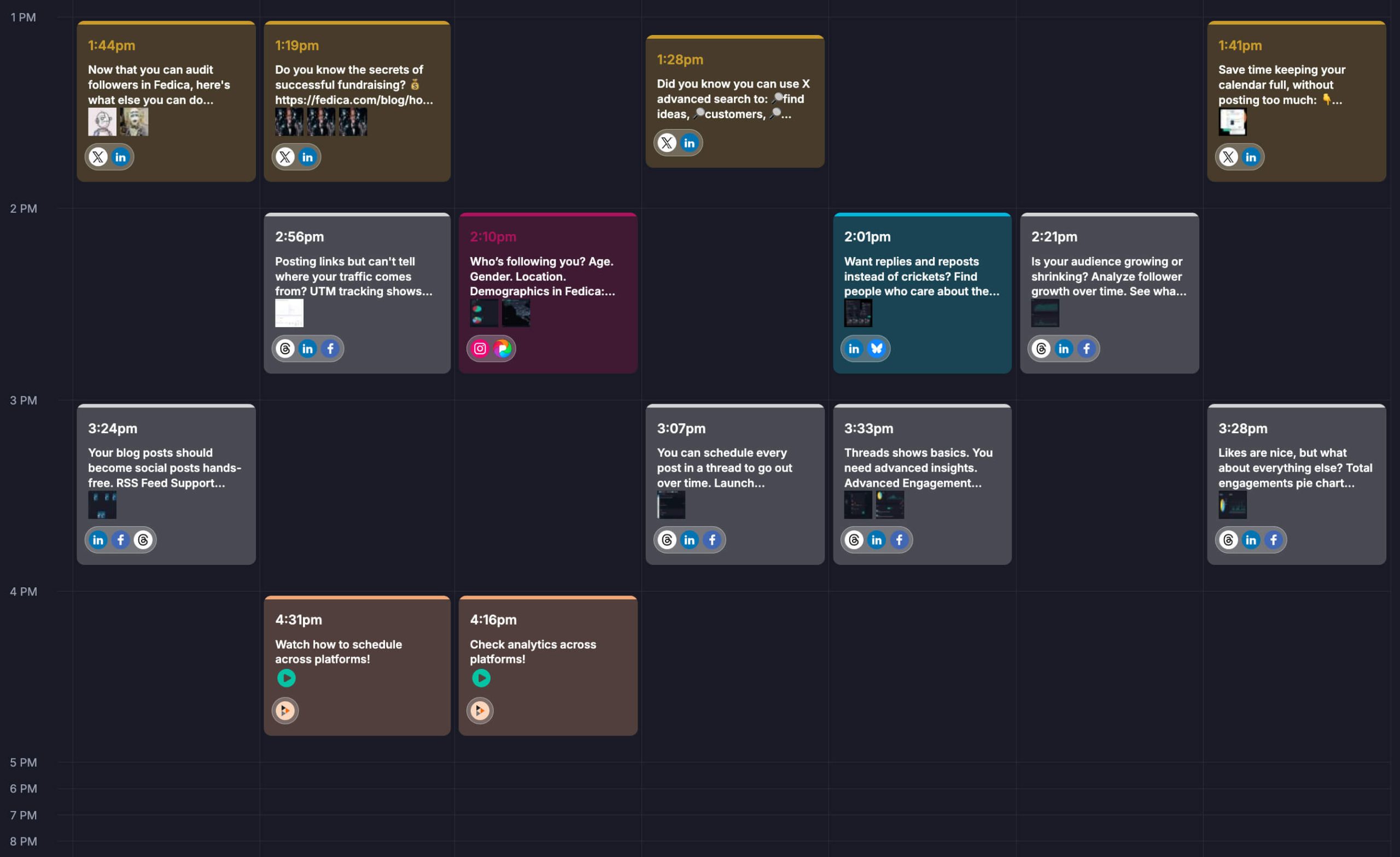
Your content library is your reusable asset system. Your social media content calendar is your publishing timeline. The library answers “what can we post?” while the calendar answers “when does it go out?” Keeping both connected is where Fedica stands out from similar services that treat them as separate modules.
What to include in a social media content library (and what to remove)
Keep approved visuals, reusable caption frameworks, and campaign-ready drafts. Archive duplicate files, expired promos, and anything no one would confidently reuse. That is the difference between a true working library and a crowded media folder.
Set up Your Social Media Content Library in Fedica for Weekly Output
You can set up a social media content library in Fedica by uploading core assets, applying simple tags, and saving reusable alt text. Start with one week of high-priority media so your team sees immediate scheduling gains. DataReportal also notes that social media users now account for more than 2 in 3 people worldwide, reinforcing why teams prioritize repeatable content workflows. This setup gives you a repeatable weekly publishing base instead of one-off posting.
How to upload social media content library assets into drafts or calendar
Fedica lets you upload media into drafts or directly into the calendar, so you can move from asset upload to scheduled posts without switching tools. Start with your most-used campaign visuals first so your first week runs on reusable assets.
How to tag a social media content library by campaign, theme, and format
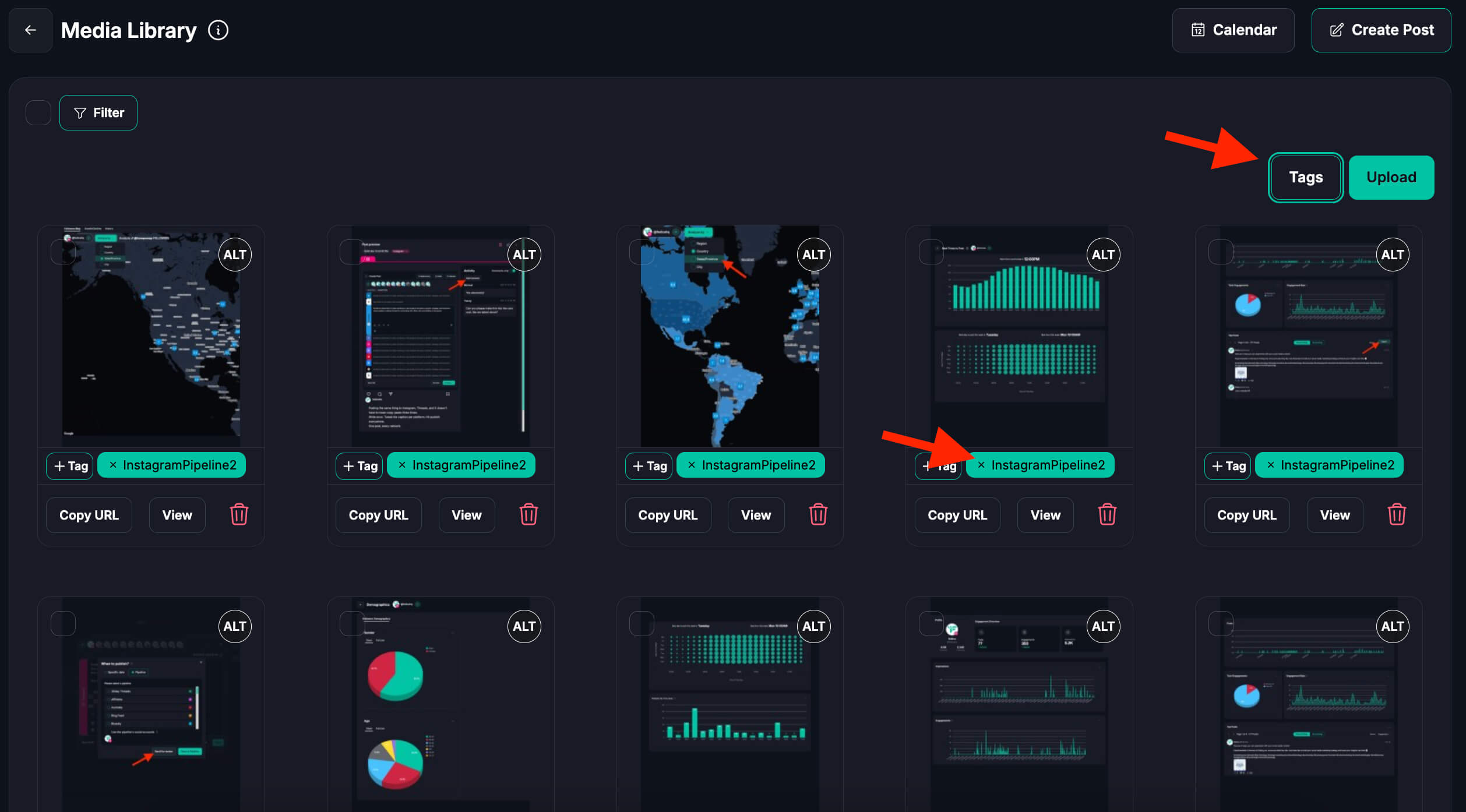
Use a small tag system across campaign, format, and topic. Keep it simple enough that teammates will use it. Tagging is what makes your content library searchable instead of decorative, and it solves a common gap in tools with shallow asset search.
How reusable alt text improves social media content library SEO and accessibility
Fedica’s media library supports reusable alt text, so accessibility stays attached when you schedule recurring or bulk posts. You write it once and stop redoing it each time. That saves time and keeps quality steady. It also helps social SEO, so videos and visuals can show up more clearly in platform search.
Turn Your Social Media Content Library into a Self-Improving Post Engine
You turn a social media content library into a posting engine by sorting assets into repeatable content buckets and pairing them with reusable captions. This gives your team ready-to-post options every week without rebuilding from scratch. Fedica keeps media and scheduling in one workflow. The result is faster posting with fewer manual choices.
Create recurring post buckets from social media content library tags
Build repeatable buckets like education, launch content, and customer proof. Assign tagged assets to each bucket so you always have ready-to-publish options instead of rebuilding weekly plans from scratch.
How to pair social media content library media with reusable captions
Pair visuals with short caption frameworks and CTA variants. This cuts drafting time and makes reuse feel intentional instead of copy-paste. It also helps your team keep brand voice consistent across channels.
How to reuse social media content library assets without repeating the same post
Reuse top-performing assets by changing the hook, angle, or format. In Fedica, this is easy because analytics shows which content got engagement from the audience you care about. You can filter for those posts, export them, and send them back to your calendar for another test round. Then attach media from your library again and keep posting consistent without starting over.
Run a Weekly Social Media Content Library Workflow Your Team Can Keep
A sustainable social media content library workflow uses short daily upkeep and one focused weekly review. Each day, tag new assets and prep the queue. Each week, refresh what works and remove what does not. Over time, your team spends less time searching and more time publishing.
15-minute daily routine to keep your social media content library clean
Take 15 minutes daily to tag new uploads, tidy names, and prep tomorrow’s queue. Small daily upkeep prevents big weekly cleanup and keeps content velocity stable.
Weekly social media content library maintenance – archive, retag, refresh
Each week, review what was used, what performed, and what should be retired. Refresh your top assets so your next week starts with strong options instead of repeated trial and error.
Social media content library hand-off tips for multi-person publishing teams
Use clear hand-off labels for creator, reviewer, and scheduler roles. Shared status language reduces back-and-forth and keeps publishing on time.
Common Social Media Content Library Mistakes and Fast Fixes
The most common social media content library mistakes are weak tagging, poor asset quality control, and missing metadata. You can fix them quickly by using 2 to 4 tags per asset, archiving low-value media, and making alt text part of publish prep. These small changes improve search speed and post quality right away. They also keep your library ready for recurring scheduling.
How to fix over-tagging and under-tagging in a social media content library
Use 2 to 4 useful tags per asset. Too many tags make search noisy. Too few make the library impossible to filter. Simple taxonomy beats complex taxonomy every time.
How to remove low-quality assets from your social media content library
A smaller high-value library beats a huge messy one. Archive weak or outdated media so your team only sees assets worth posting. This prevents the “we have assets but cannot find the right one” trap common in similar services.
How to avoid missing accessibility and social SEO metadata in your content library
Treat alt text and core metadata as mandatory publish prep. This protects accessibility and improves content context for platform discovery systems, while reducing rework at publish time.
Frequently Asked Questions
These answers cover the most common social media content library questions from teams setting up a practical workflow. Use them as a quick reference while building your process in Fedica. Each answer focuses on direct actions you can apply immediately. If you are implementing this with a team, use these questions as a quick checklist during setup.
What is a social media content library?
A social media content library is a central place where you store reusable media, captions, and post-ready assets. In Fedica, it works directly with drafts and scheduling so your team can publish faster.
What is the difference between a content library and a content calendar?
A content library holds reusable assets, while a content calendar manages publishing dates and times. You need both working together so your team can find the right asset and schedule it without extra steps.
How do you build a social media content library?
Start with your best assets, add clear tags, and connect them to a weekly posting workflow. In Fedica, upload media into drafts or calendar flow, then organize everything so teammates can reuse content quickly.
What should be included in a social media content library template?
Your template should include media file links, campaign tags, platform fit, caption options, and alt text fields. That structure makes reuse easier and keeps publishing consistent across networks.
What are the best tags to use in a social media content library?
Use a short tag set for campaign, format, and topic. Most teams do well with 2 to 4 tags per asset so search is clean and teammates can find content fast.
Can you reuse the same media across different social campaigns?
Yes, and you should when the media still fits your message. Reuse works best when you update the hook or caption angle for each campaign so posts do not feel repetitive.
How does alt text help social media SEO and accessibility?
Alt text improves accessibility for people using screen readers and adds useful context for platform indexing. Fedica lets you save alt text in your media library so recurring and bulk posts keep that metadata by default. That consistency can improve social SEO visibility and help videos rank better in network search surfaces.
What are the best social media content library examples to follow?
The best examples are systems that connect asset storage to actual publishing instead of static folders. Look for workflows that combine tagging, scheduling, and reusable metadata so teams can move from library to live post in minutes.