
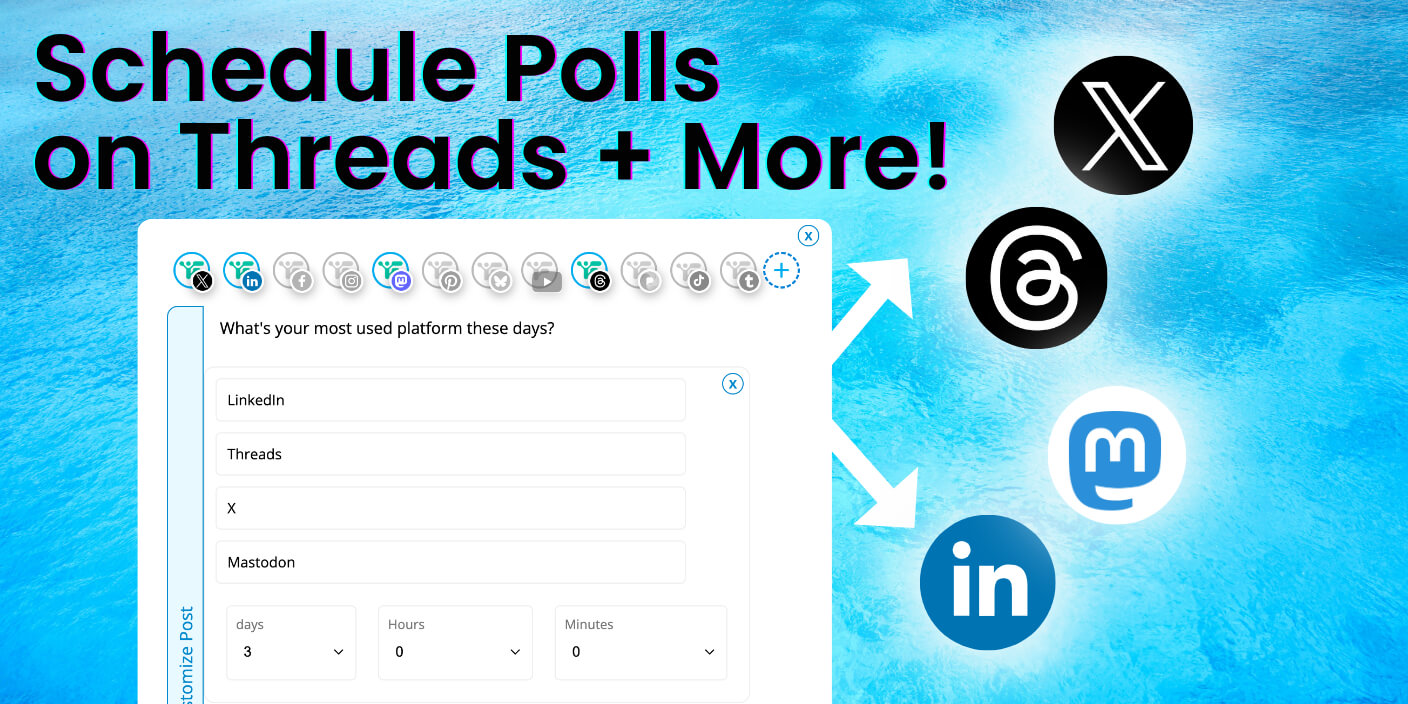
Threads doesn’t let you schedule polls natively, so posting at the right time is a hassle. With Fedica, you can easily schedule Threads polls in advance, saving time and making sure your audience sees them when it matters most.
This guide shows you how to do it, so you can skip the manual work and boost engagement. Fedica is the first platform to support poll scheduling on X, Mastodon, and now Threads, keeping you on the forefront of strategy.
Why Scheduling Polls on Threads Matters
Threads’ quick-fire conversations make it a powerful place to gather immediate audience feedback. However, the inability to natively schedule polls on Threads limits that power. Marketers must post polls manually, a workflow disruption that often means missing the “Best Times to Post” when followers in key time zones are most active and likely to participate.
Scheduling polls transforms them from a spontaneous tactic into a strategic tool. It allows you to plan and coordinate questions across Threads, X, LinkedIn, and Mastodon, creating a unified dataset instead of fragmented insights. This is crucial for accurately gauging audience sentiment across your entire digital footprint, not just one platform, like you can when you flip through your Threads analytics!

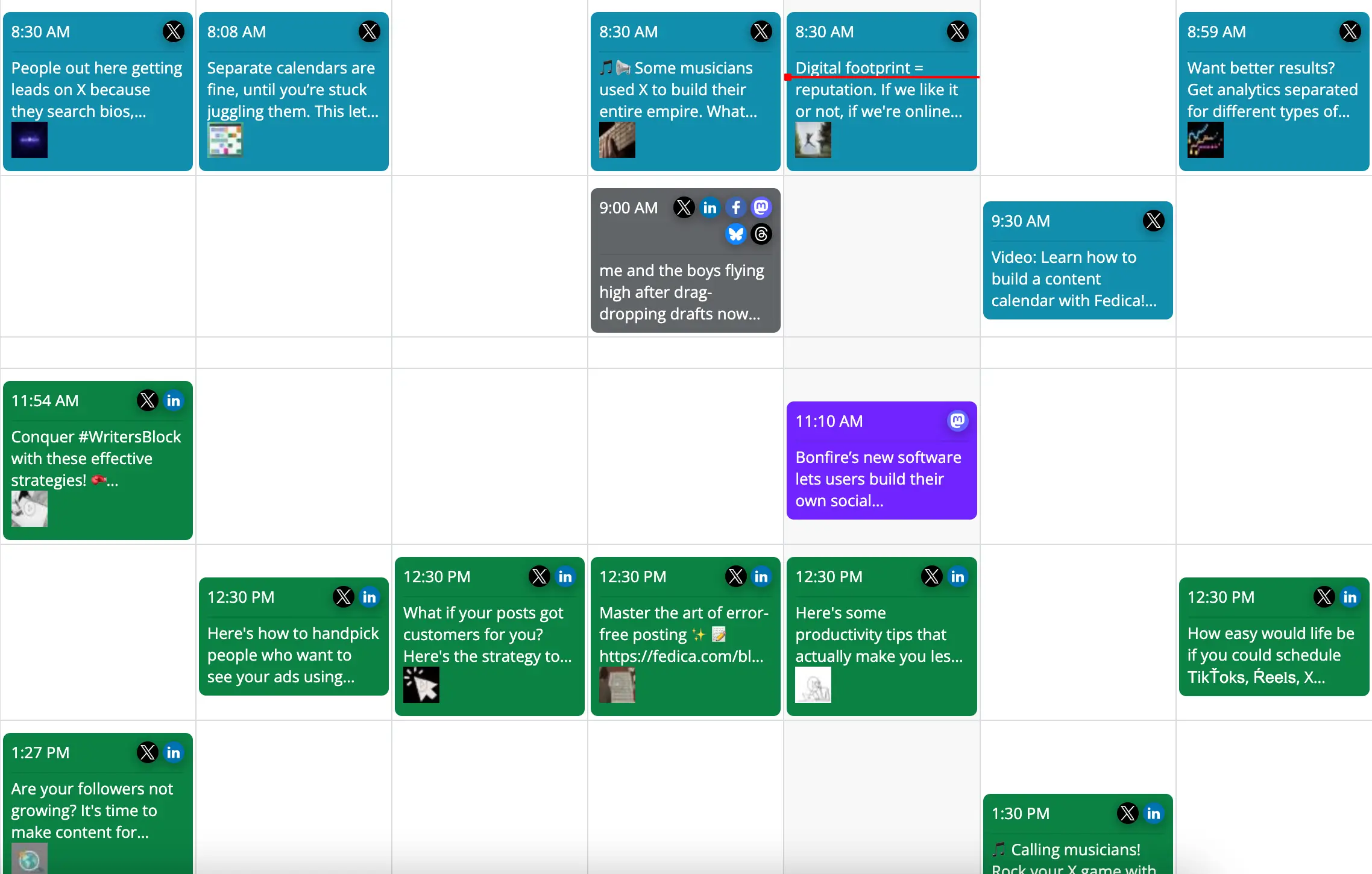
Using a tool like Fedica, you can pre-load polls into an organized content calendar weeks in advance. Fedica’s “Best Times to Post” algorithm dynamically analyzes your audience’s behavior on major platforms ensuring every poll is published for maximum impact. This leads to higher participation, cleaner data, and faster insights into the topics that truly resonate.
Step-by-Step: Scheduling Your First Threads Poll in Fedica
Scheduling your first poll for Threads in Fedica is a straightforward process designed to get you from idea to scheduled in just a few clicks. The interface combines post composition and scheduling in one clean view, eliminating the need to jump between different menus or tabs.
Follow these quick steps to schedule a Threads poll in Fedica without jumping between menus.
- Open the Post Composer from your Fedica dashboard. Click the “Compose” button, then select the Threads account (and any other accounts like X or LinkedIn) where you want to publish the poll.
- Build the poll by clicking the poll icon, adding your question and up to four answer options, and setting its duration.
- Choose a time slot manually from the content calendar or let the “Best Time to Post” option schedule the poll at the optimal moment for each platform.
- Schedule and confirm by clicking “Schedule.” The poll is queued in your Content Calendar and will publish directly to Threads and any other selected networks.

Once scheduled, you can view, edit, or reschedule the poll from your content calendar at any time before it goes live, giving you full control over your content pipeline.
The Challenge of Cross-Platform Poll Management
Running polls across multiple social networks creates a logistical nightmare. Without a unified tool, social media managers are forced to manually copy and paste the same poll questions into the native composers for Threads, X, LinkedIn, and Mastodon. This tedious, repetitive work isn’t just slow; it introduces significant errors and inconsistencies.
When results are scattered across different platforms, creating a cohesive performance report requires manually stitching together four or more separate analytics exports, making it nearly impossible to gain timely insights into which topics resonate.
Fedica’s all-in-one dashboard solves this by consolidating poll creation, scheduling, and analytics. You can draft a poll once, customize it for each platform’s audience with a single click, and schedule it everywhere from one content calendar. All engagement data flows back into a single, unified report, giving you an immediate, apples-to-apples comparison of what works where.

How Fedica Brings Poll Scheduling to Threads (and Beyond)
While other tools offer basic text and image scheduling for Threads, Fedica is the first platform to provide a true, direct way to schedule polls on Threads. Where competitors require manual workarounds or don’t support polls at all, Fedica integrates directly with the official APIs of Threads, X, LinkedIn, and Mastodon. This allows you to build and schedule interactive polls from a single, unified composer, not just static posts.
This means you can draft a question, set your poll options, and choose a duration one time. From there, Fedica’s cross-posting feature lets you push the native poll to all your connected accounts, simultaneously or at staggered, optimized times. There is no need to open multiple tabs or fight with four different interfaces to do the same task.
With Fedica, you benefit from the same trusted technology that first made poll scheduling possible on LinkedIn and Mastodon, now expanded to Threads. This means you can manage all your polls across platforms in one place, backed by advanced audience demographics analysis. You get a seamless, all-in-one solution for engaging your audience wherever they are, with deeper insights to guide your strategy.
Turning Audience Insights into High-Impact Polls
A great poll does more than just ask a question; it taps into what your audience is already thinking about. Instead of guessing, you get a data-backed starting point with your audience analysis stats baked into your post analytics and management tools. The platform’s Deep Follower Analysis and Advanced Social Listening tools track engagement, keywords, and sentiment to identify the top topics driving conversations within your specific audience segments.
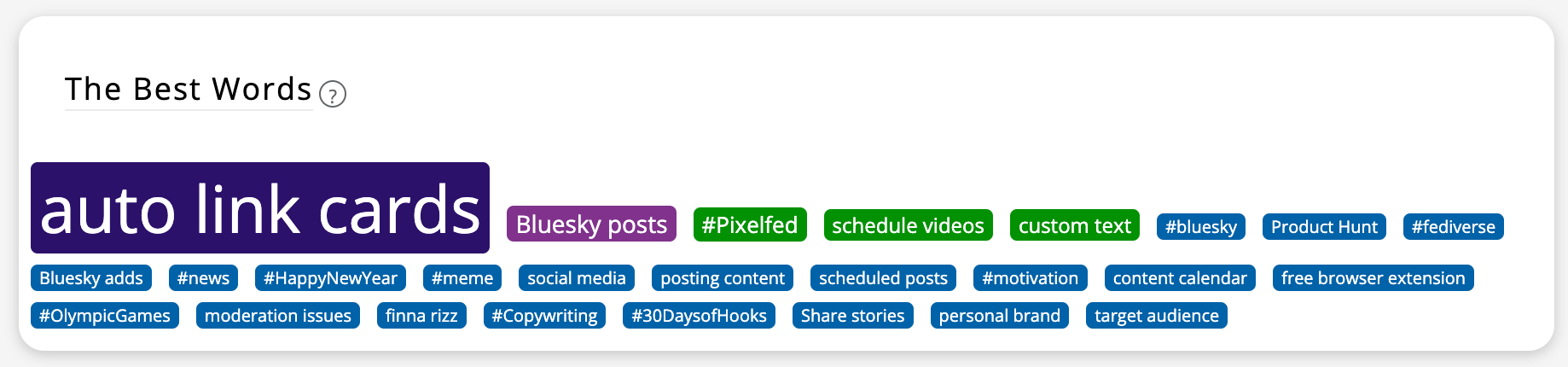
For example, your X analytics might reveal that “AI content detection” is a recurring theme among your most engaged followers. Armed with this insight, you can move beyond generic questions and create a targeted poll like, “Which AI detection issue worries you most: False positives, or bypassing tools?” This specificity shows you’re listening and generates far more valuable, actionable responses.
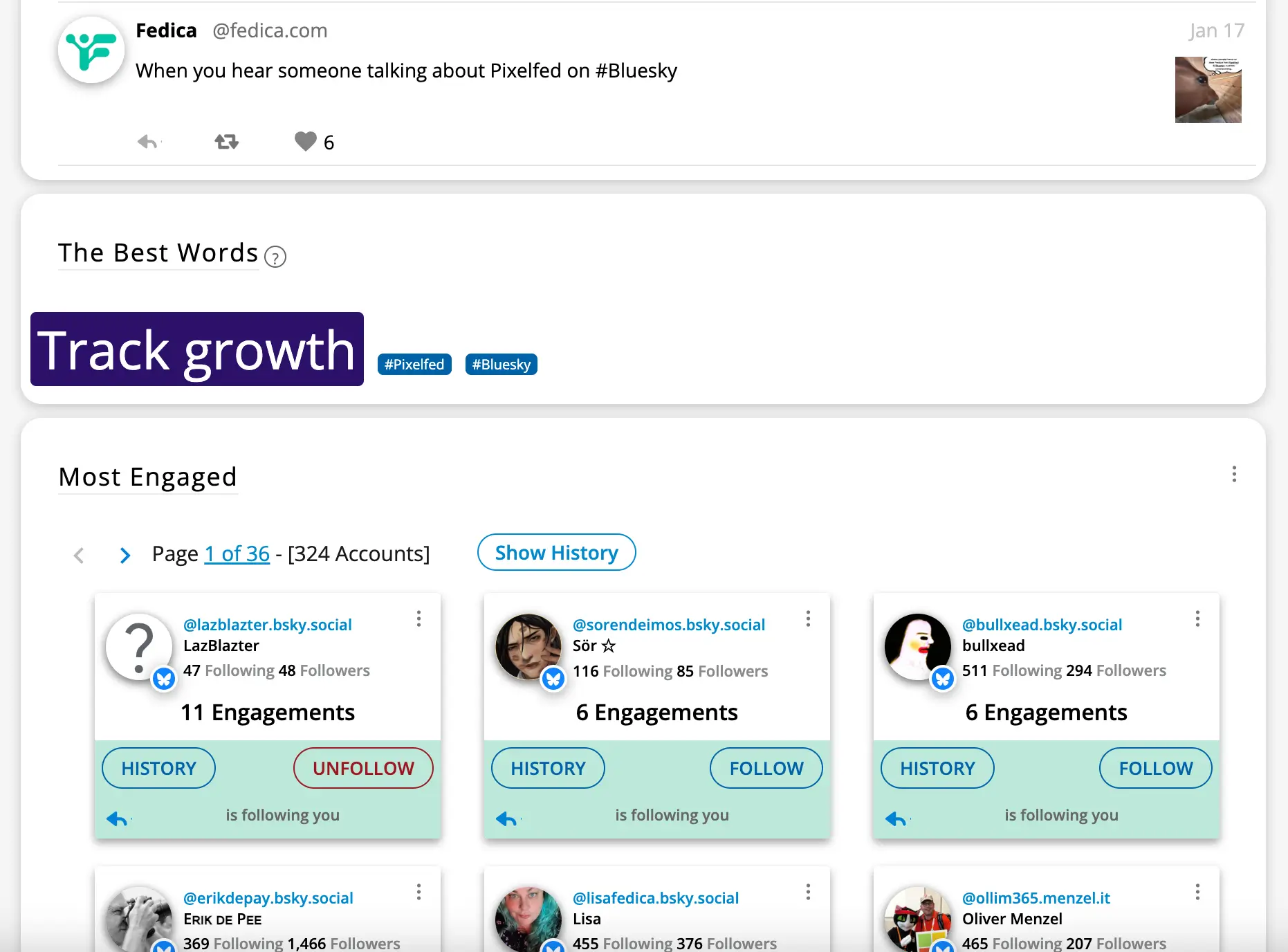
This process turns analytics from a reactive reporting tool into a proactive content engine. By connecting detailed follower analysis data directly to the poll composer, Fedica closes the loop between understanding your audience and engaging them, ensuring every poll is relevant before you even hit schedule.
Measuring Success: Poll Analytics for Many Platforms
Fedica provides dedicated analytics dashboards for each supported platform, Threads, X (Twitter), and Mastodon, so you can track poll performance like total votes and engagement rates on each network. We’re looking to add LinkedIn in the future.
While you can’t view all poll results in a single unified report, it’s easy to switch between dashboards to compare how your polls perform across Threads, X, and Mastodon. This lets you spot trends and adjust your strategy for each audience, even if the data isn’t combined in one place.
Best Practices to Maximize Poll Engagement Across Platforms
Effective cross-platform polling works only when you tailor each poll to the culture of its network, a task Fedica’s flexible composer simplifies.
- Keep it concise for Threads and X. On fast-moving feeds, get straight to the point. Use clear, direct language and limit options to two or three for quick participation. These platforms reward brevity and clarity.
- Add professional context for LinkedIn. Professionals on LinkedIn appreciate background. Add a brief introductory sentence to your poll explaining why you’re asking the question and what you hope to learn. Frame it around industry trends or professional development.
- Encourage qualitative discussion. After you’ve listed the poll options, add a line like, “Have a different take? Share your reasoning in the comments!” This simple prompt invites deeper, qualitative feedback alongside the quantitative votes.
- Analyze and iterate based on platform data. Use your unified analytics to see which poll formats perform best on each platform. If polls with four options consistently get more engagement on LinkedIn, lean into that. If simple A/B polls work best on Threads, make that your standard practice there.
By making these small, platform-aware tweaks, you treat each community appropriately, which leads to higher engagement and more meaningful data. Fedica’s flexible composer and unified analytics make this targeted approach simple to execute and measure.
Frequently Asked Questions
Does Threads let you schedule polls natively?
Right now, Threads only lets you publish a poll immediately after you create it, there’s no built-in way to set it for later. Fedica fills that gap by giving you a scheduling calendar that pushes the poll live at the exact time you choose, even if you’re offline.
How can I schedule a Threads poll ahead of time?
On Threads itself, you would need to wait until the moment you want the poll to appear and publish it manually. With Fedica, you open the Compose window, build the poll, pick a time slot, and hit Schedule, Fedica takes care of the rest.
Can I post the same poll on Threads, X, LinkedIn, and Mastodon at once?
Threads offers no cross-posting feature, so you would need to recreate the poll four separate times. Fedica lets you draft the poll once and cross-publish it natively to every connected account in a single click, saving hours a week and keeping wording consistent everywhere.
How many answer choices can a Threads poll include?
Threads supports up to four options per poll. Fedica respects that limit while still letting you tailor option wording for each platform and copy the final set across networks in one step.
Stop Guessing, Start Growing: Schedule Your First Poll Today
Manual posting and fragmented analytics are holding your brand back. It’s time to move from reactive tactics to a proactive, data-driven strategy. With Fedica’s all-in-one dashboard, you can stop juggling tabs and start building a community with content you know will resonate.
Be the first in your industry to master true cross-platform poll scheduling for Threads. Gain clearer insights, save hours each week, and connect with your audience on every major platform, all from one place.
Sign up for your free Fedica account to connect your social profiles and schedule your first poll in minutes.