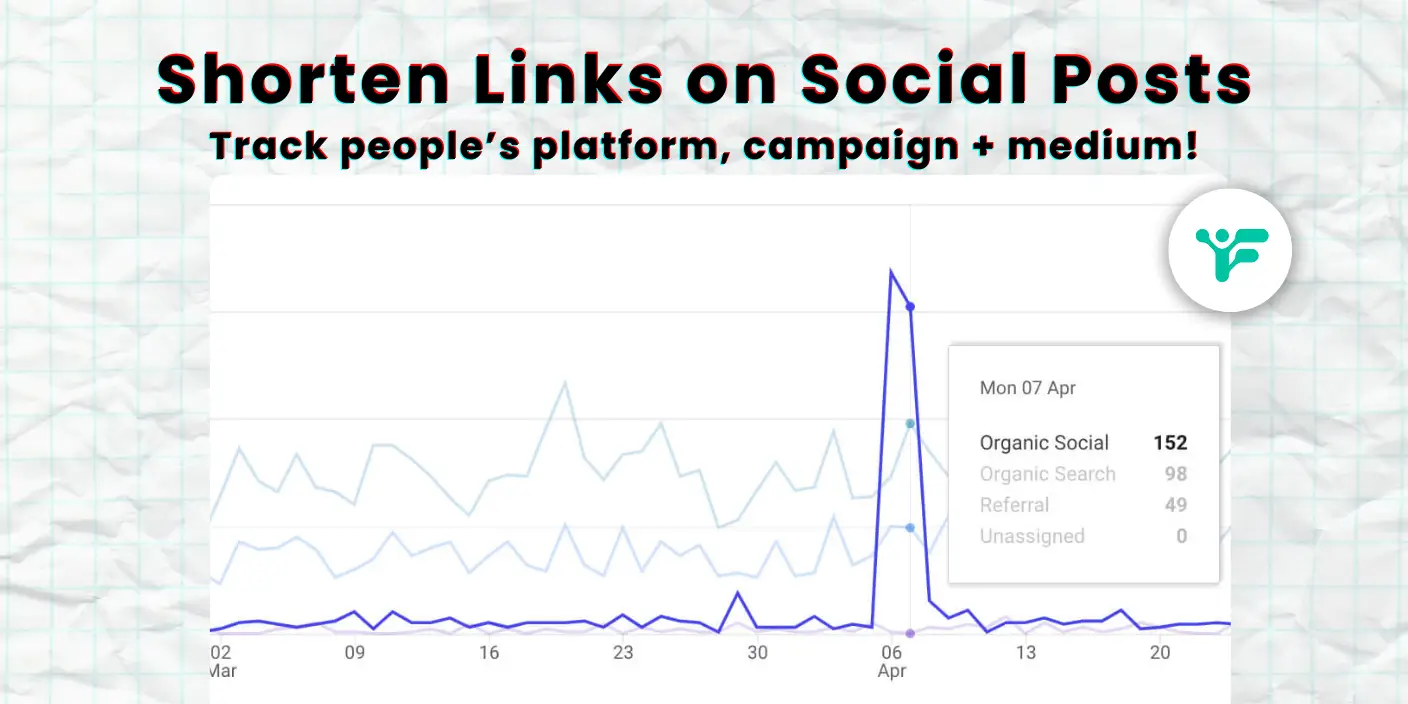
Sometimes you just want to share a clean link without it looking like a wall of tracking code.
When you’re scheduling posts and the URL stretches across half the caption, it throws off the whole layout especially if you’re trying to keep your feed polished.
A long link packed with ?utm_ parameters might technically do its job, but it looks cluttered and uninviting. It’s not exactly something people are eager to click, especially on platforms where aesthetic matters, like Bluesky.
Shortening your links in Fedica fixes that. It trims the noise, hides the link tracking, and still gives you the data like which platform drove traffic or what content actually got clicks. No one needs to see a full Google Analytics string when a simple twp.ai/xyz does the same job, better.
This isn’t about vanity. It’s about not making your posts look like spam, while still knowing what’s working.
How to Use Fedica’s Built-In Social Media Link Shortener
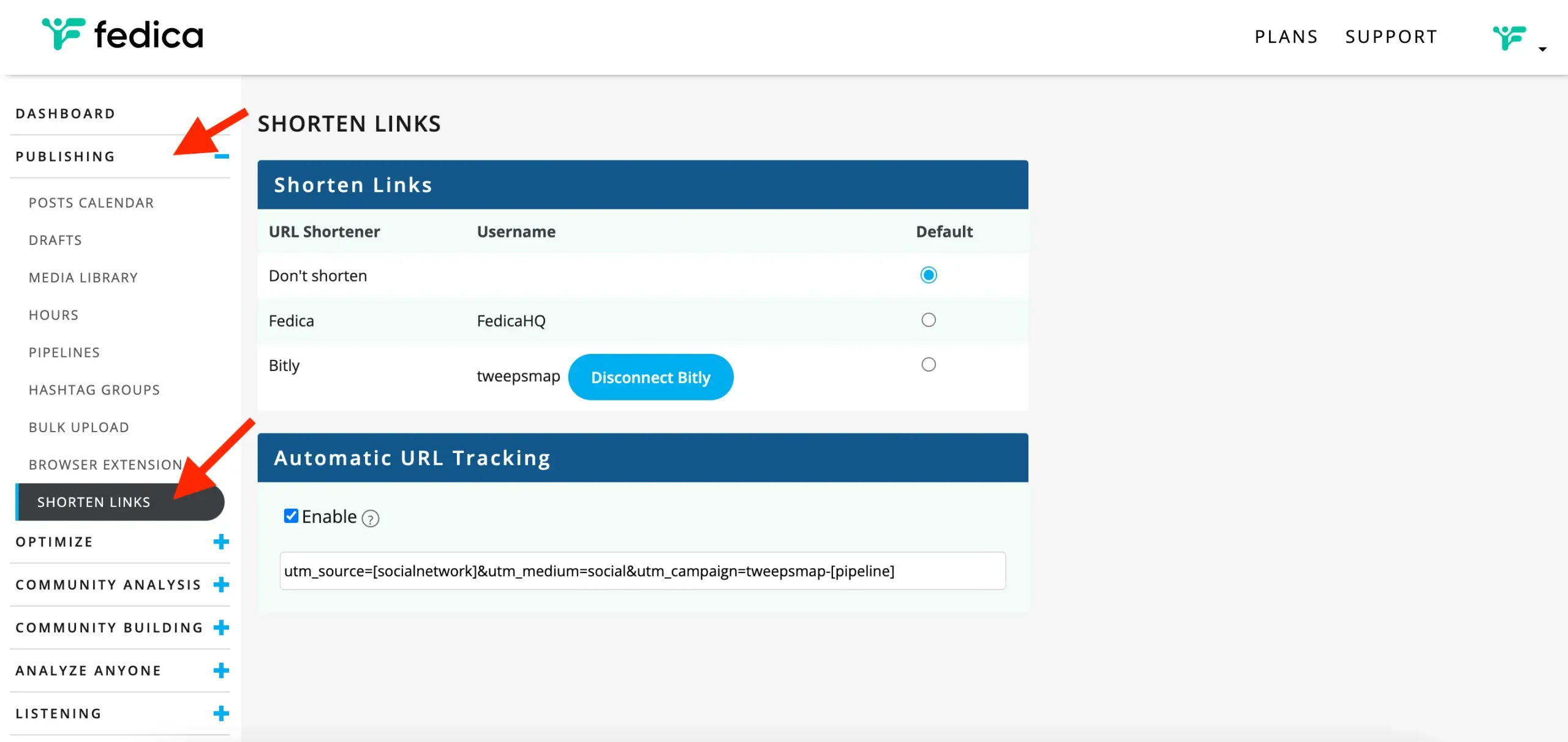
In Fedica, link shortening lives inside Pipelines. If you’re already using them to group posts like threads, memes, or campaign content you’re halfway there.
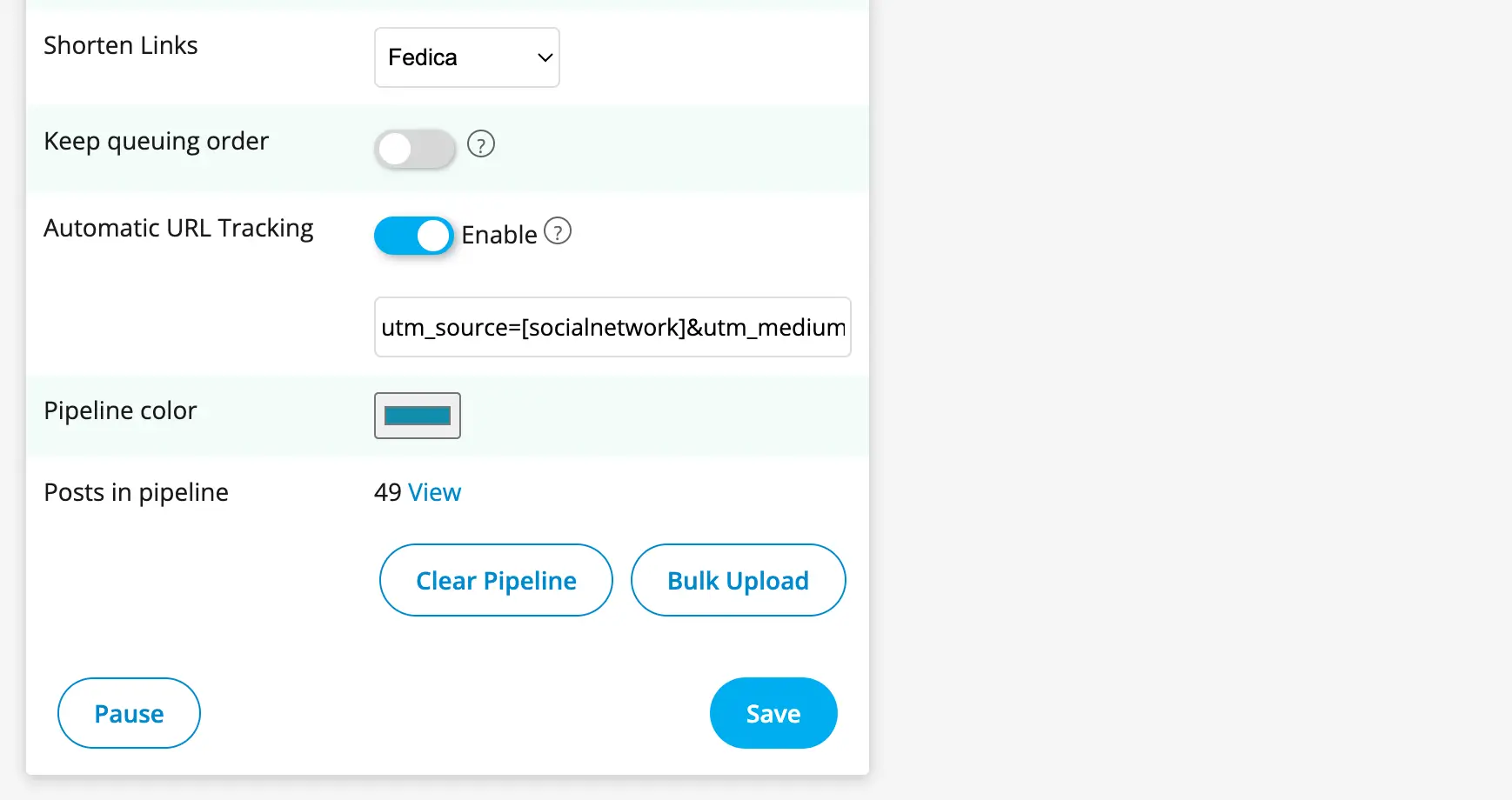
Click into any pipeline, scroll down, and you’ll see the option to automatically shorten links. Flip the switch. That’s it. From that point on, every link in that queue gets cleaned up automatically.
You can choose Fedica’s built-in shortener or connect your Bitly account if you’re already using one. Either way, the end result is the same: the messy tracking string gets tucked out of sight, and you get a simple, click-ready link.
Save Time with Automated UTM Tracking and Clean URLs
This also saves time. If you’re manually building UTM links in spreadsheets or tweaking every post before publishing, that stops here. Set it once per pipeline, and you’re done.
The shortened links still track everything you’d expect. Fedica tags each one with the platform it was posted to and the pipeline it came from. That means when someone clicks, you know whether it was the meme queue on Bluesky or the event announcement on Mastodon.
The tags look like this:
utm_source=bluesky
utm_medium=social
utm_campaign=fedica-[pipeline]
If you leave the brackets around [pipeline] or [socialnetwork], Fedica will automatically replace them with the real name of the content queue and the platform the post went out on.
That way, your analytics stay clean and organized without you having to manually update anything. It’s one less thing to think about and it keeps your traffic data tied directly to the actual post and platform that drove it.
You won’t see the tracking info in the post just a short, clean link but it’ll all show up in Google Analytics or whatever web tools you use. You get the clarity without the clutter.
Track Link Clicks on Mastodon and Bluesky in Fedica’s Dashboard
If you’re posting to platforms like Mastodon or Bluesky, you’ve probably noticed the analytics options are limited. Most of the time, you can see likes or reposts, but not whether anyone actually clicked your link.
Fedica fills that gap.
Once your links are shortened and scheduled through a pipeline with tracking enabled, Fedica starts logging clicks automatically. You don’t need to add anything extra to the post.
In your Fedica dashboard, you can view link click counts sorted by platform, so you’ll see whether Mastodon posts or Bluesky posts are getting more traction. You can even filter it down by pipeline, letting you compare campaigns like “Newsletter Launch” vs. “30-Day Thread Series” side by side.
This is especially useful if you’re experimenting with new platforms and trying to decide where to invest more time. For example, if you’re cross-posting the same content to both Mastodon and Bluesky, your click data will show you which one is actually driving site visits, not just which got the most likes.
All of this is visible in Fedica without having to check multiple tools. The click counts live right next to your scheduled and published content. You can sort by date, pipeline, or platform to spot patterns, like which days or topics pull in the most attention.
It’s simple, and it works even on platforms that don’t offer much built-in analytics. So if you’ve been posting blind on Mastodon or Bluesky, this gives you a way to see what’s actually working, based on real behavior, not just reactions.
Track Clicks Across Every Campaign and Platform
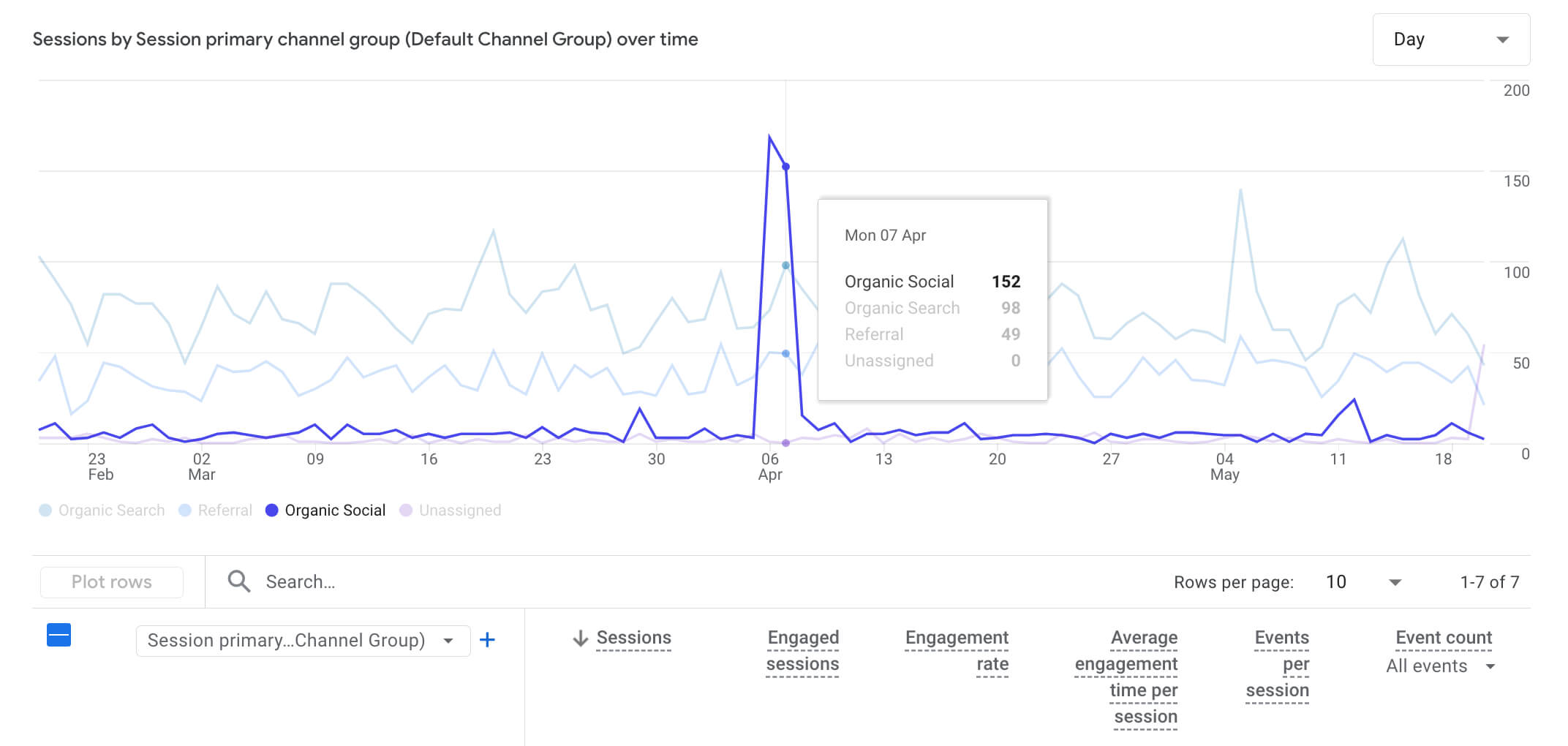
This is helpful when you’re running multiple types of content and want to compare what’s actually working. For example, maybe your behind-the-scenes posts get a ton of engagement but no clicks, while your product updates quietly drive traffic.
That’s the kind of signal you want if you’re trying to build a system, not just post and hope.
It also makes reporting easier. You can see click data right in Fedica’s dashboard sorted by pipeline, platform, or even by time range. So if someone asks “Which campaign brought in the most traffic last month?” the answer’s a couple of clicks away.
No exporting. No CSVs. Just open the dashboard and check.
A Social Media Link Shortener That Works Without the Extra Tools
And if you’re managing more than one brand, or working with a team, it helps everyone stay on the same page. Each pipeline has its own tracking setup. You don’t need to explain which link goes with which campaign it’s already tagged.
This isn’t about tracking for tracking’s sake. It’s about not losing the thread between what you publish and what actually brings people to your site.
Most people don’t click if something looks sketchy. Most people won’t convert if the post feels disjointed from what they land on. Clean links fix that first impression and make the data easier to work with later.
If your posts look better and you can see what’s working, that’s a win worth setting up once.
Try a Shortened Link in Your Next Scheduled Post
Try it with one pipeline first. Enable shortening, check the click data after a week, and see what it tells you.
It’s the simplest way to turn your regular posts into measurable content and it’s already built into Fedica and works with your website’s analytics. No extra software. No extra steps.
Just short links that tell you what’s actually getting attention.