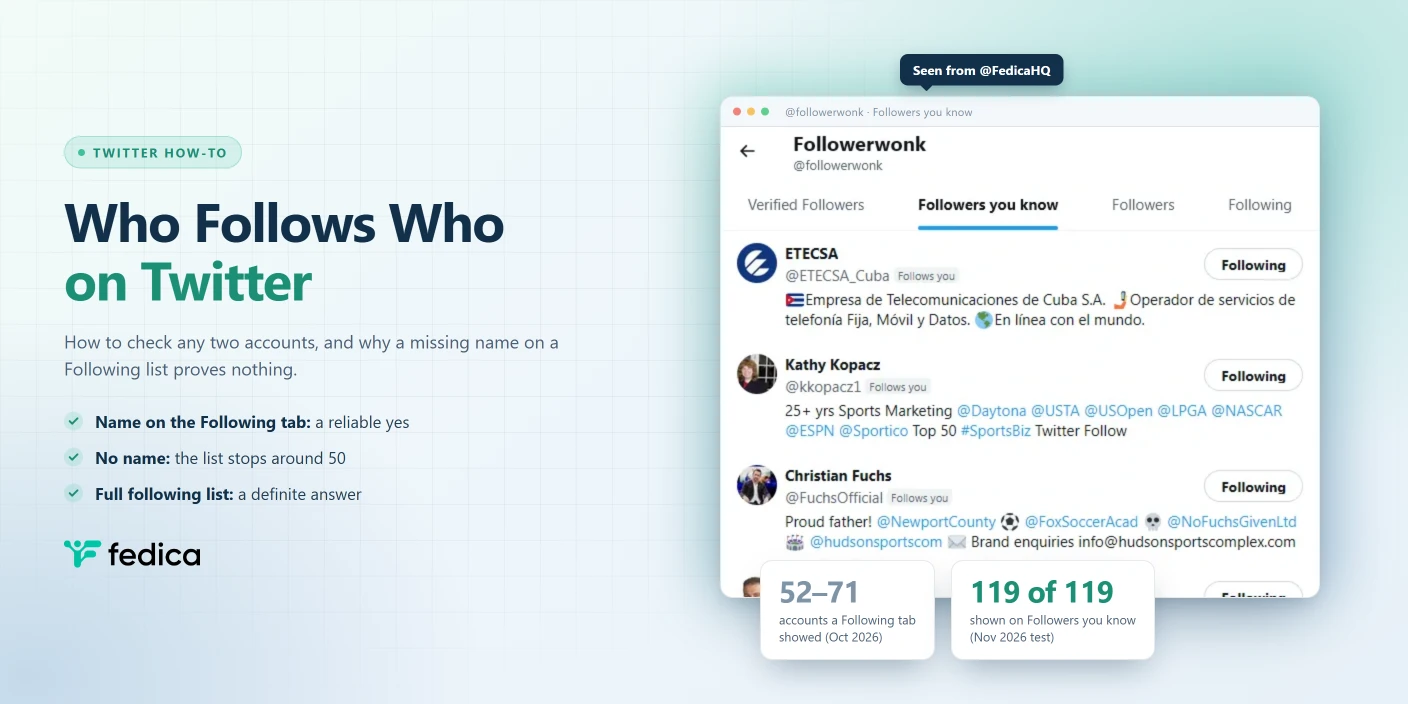
To check who follows who on Twitter, open the first account’s Following tab and look for the second account. Then do it the other way round, because a follow only goes one direction. If each account is on the other’s list, they follow each other.
There’s a catch most guides skip. When the name shows up, you have your answer. When it doesn’t, you don’t. In our October 2026 checks of five accounts following 368 to 2,239 accounts, Twitter’s web app showed only between 52 and 71 of them. The account you’re looking for can easily sit in the part Twitter doesn’t show you.
That matters when you act on the answer. A giveaway host can disqualify an entrant who really did follow. A PR person can assume a journalist doesn’t follow their client. Here’s how to check properly.
Ways to Check Who Follows Who on Twitter
Each method answers a slightly different question, and only some of them can prove a “no”:
| Method | What it tells you | Can it prove a “no”? |
|---|---|---|
| Follows you label on a profile | Whether that account follows you | Yes |
| Following tab on x.com or in the X app | Whether account A follows account B | Only if A follows fewer accounts than Twitter shows (around 50) |
| Followers you know tab | Which accounts you follow also follow that profile | Yes, in our test (all 119 accounts showed) |
| Fedica’s full following list | Every account a public profile follows | Yes |
| Any method, on a private (protected) account | Nothing, unless you’re an approved follower | No |
Check Whether an Account Follows You
This is the easy one. Open the account’s profile on Twitter. If it follows you, Twitter shows a small Follows you label next to its handle.
The label also shows up in lists, such as the accounts that liked one of your posts. No label means that account doesn’t follow you.
Check Whether One Account Follows Another
To check whether account A follows account B when neither one is you:
- Go to
x.com/A/following, or open A’s profile and click their Following count. - Look for B in the list. On a computer, your browser’s find tool (Ctrl+F or Cmd+F) helps, but it only searches the accounts that have loaded on the page.
- To check the other direction, open
x.com/B/followingand look for A.
Two accounts follow each other, or are “mutuals”, when each one is on the other’s Following list. A follow in one direction tells you nothing about the other.
If you find the name, you’re done. Twitter only lists accounts that A really follows. If you don’t find it, read the next section before you decide anything.
Why Twitter’s Following List Misses Accounts
Twitter’s Following tab shows only part of another account’s list. There’s no fixed cutoff, but it’s usually around 50 accounts. We opened the Following tab of five public accounts on Twitter’s web app on October 15, 2026, and scrolled each one to the end:
| Account | Accounts it follows | Accounts Twitter showed |
|---|---|---|
| @XBusiness | 368 | 53 |
| @paulg | 806 | 69 |
| @sama | 1,034 | 69 |
| @elonmusk | 1,420 | 71 |
| @FedicaHQ | 2,239 | 52 |
The cutoff didn’t grow with the list. @FedicaHQ follows six times as many accounts as @XBusiness and showed fewer of them.
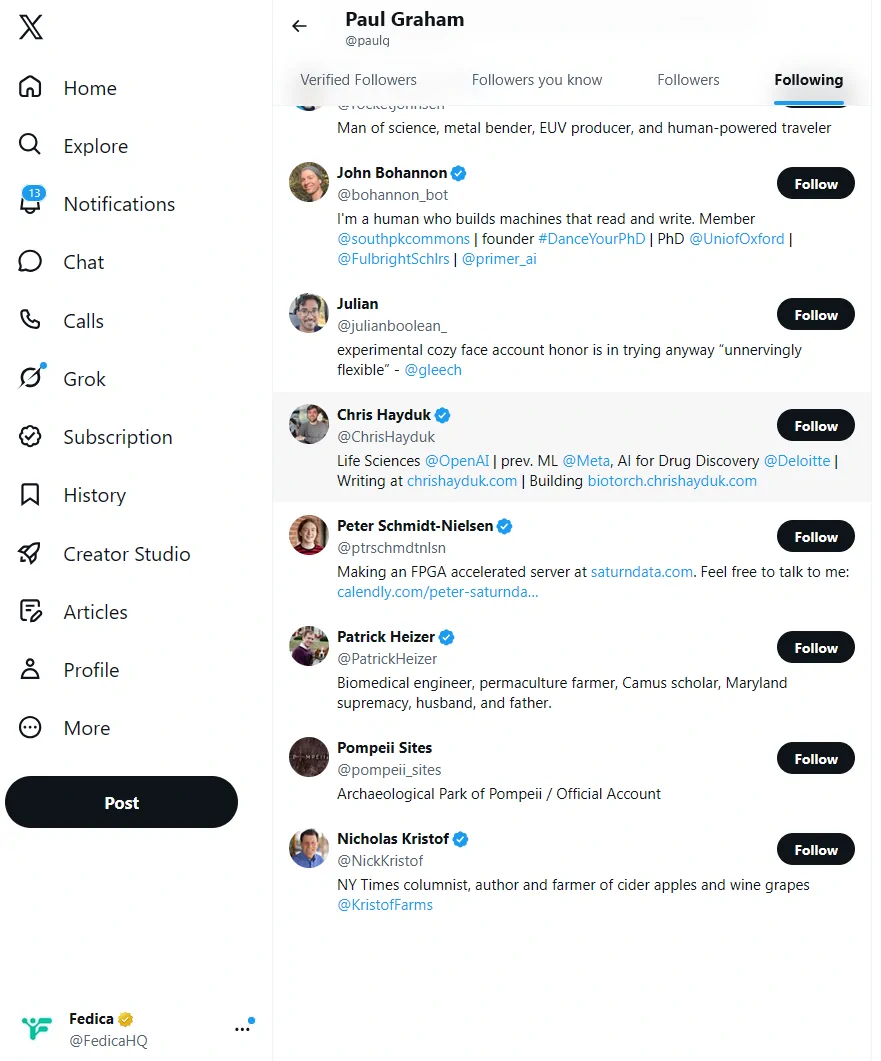
The list isn’t in follow order, either. Twitter appears to rank a Following list by relevance, and two people looking at the same list can see it start with different accounts. So you can’t scroll to the bottom to find someone’s oldest follows, or check the top for their newest.
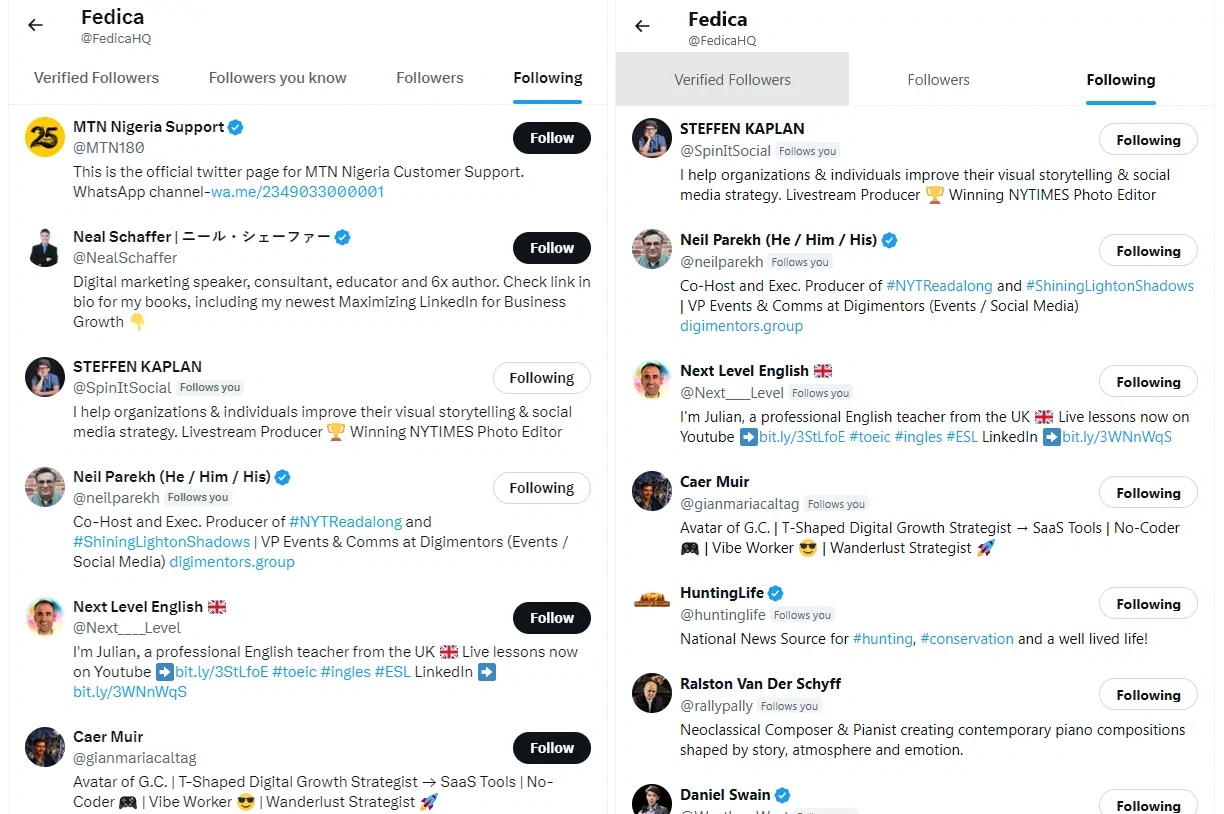
Put together, a missing name on someone’s Following tab is a guess, not an answer. The one exception is a small account: if the Following count on A’s profile is below about 50, the list you’re scrolling is probably all of it.
Followers You Know: A Shortcut for Accounts You Follow
When you follow account A, there’s a better route than A’s Following tab. Open B’s Followers list and switch to the Followers you know tab. It lists the accounts you follow that also follow B. If A is on it, A follows B.
The Followers you know tab doesn’t stop at around 50 accounts the way a Following tab does. On November 18, 2026, we opened Followerwonk’s Followers you know tab from our @FedicaHQ account and counted 119 accounts.

To check that 119 was the whole list, we analyzed Followerwonk’s followers in Fedica and matched them against @FedicaHQ’s full following list. The overlap came to 119 accounts as well.

So when A is an account you follow, a missing name on B’s Followers you know tab is a real “no”, at least in our test. The tab only covers accounts you follow, though. For any other pair, you’re back to the Following tab or the full list.
Get a Definite Answer With the Full Following List
For a real yes or no, you need the whole list, not the slice Twitter shows. Fedica’s Analyze an Account report returns every account a public Twitter profile follows, sorted by each account’s follower count.
Here’s how:
- In Fedica, open the Research menu and select Analyze an account.
- Click Create Report and choose Following.
- Enter account A’s handle and run the report.
- Look for account B in the list, or download the list and search it.
To check the other direction, run a second report on account B. Two reports give you the full answer both ways, including whether the two accounts are mutuals.
Fedica’s Followers & Following List Viewer page shows what the report includes, and the same report works on Bluesky and Mastodon accounts. Account analysis is available on Fedica’s Grow plan or higher. Its audience side, from demographics to locations, is covered on Fedica’s analyze any Twitter account page.
If you’re after the followers two or more accounts have in common, rather than whether they follow each other, that’s a different report. Our guide on how to check mutual followers between Twitter accounts covers it.
Private (Protected) Accounts
A private Twitter account is one that has turned on Protect your posts. Its Following and Followers lists are hidden from everyone who doesn’t follow it, and no outside tool can show them, Fedica included.
So if A is private and you’re not an approved follower, you can’t check who A follows. You can still check the other direction if B is public: B’s Following list will show A if B follows A, with the same limits as any other list.
Our post on whether people can see who you follow on Twitter covers what a private account hides and from whom.
Frequently Asked Questions
Does someone know if you check who they follow on Twitter?
No. Opening someone’s profile or their Following tab doesn’t send them a notification. We checked in November 2026: viewing an account from a second account didn’t notify it.
Can you see who a private Twitter account follows?
Only if you’re one of its approved followers. A protected account’s Following list is hidden from everyone else, and outside tools like Fedica can’t show it either.
Can you see when someone followed another account on Twitter?
No. Twitter doesn’t show follow dates, and the Following list isn’t in follow order. Fedica’s reports show an account’s current following list, not when each follow happened.
Why can’t I find someone on an account’s Following list?
Twitter shows only part of another account’s Following list, usually around 50 accounts. In our October 2026 checks, it showed 52 to 71 accounts for lists of 368 to 2,239. The account you’re looking for may be in the part that doesn’t load.
How do I see which followers two Twitter accounts have in common?
That’s a shared-audience question rather than a who-follows-who one. Fedica’s Compare Followers report lists the followers that several accounts share.