
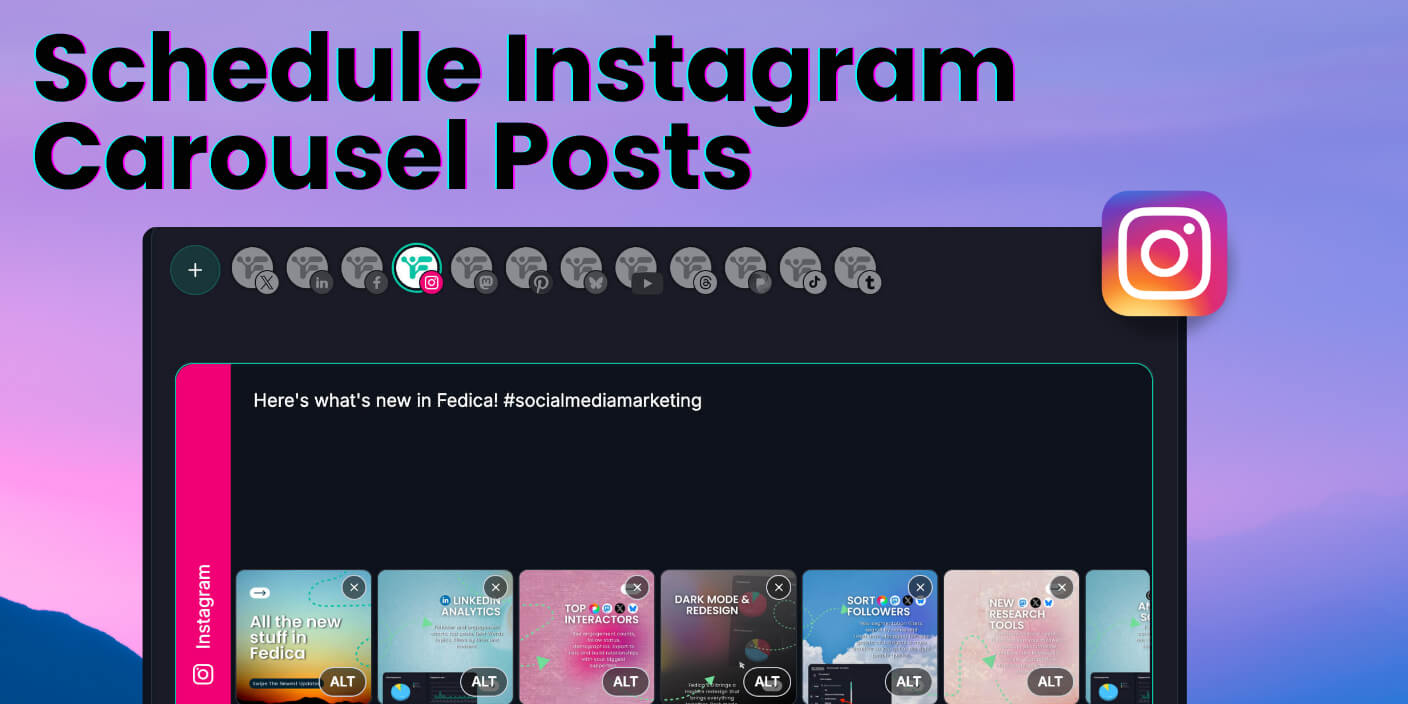
Schedule Instagram carousels posts with up to 10 photos from one place: set the time, add tags and collabs, and let it publish so you can focus on other work. Fedica doubles as an Instagram free post scheduler so you can plan carousels and single posts from one calendar.
Fedica’s scheduler supports the full 10 slides Instagram allows, plus tag suggestions and collab posts from the same scheduled post. Your carousel goes live when you choose, without touching your phone. We built it that way so you can batch your carousels and get time back.
Key Takeaways
- You can schedule up to 10 images in an Instagram carousel from Fedica.
- Tag specific people and create collab posts from the same scheduled post; they publish when the carousel goes live.
- One content calendar for 12 platforms: plan carousels alongside threads, polls, and other content in one place.
- Use one idea as a carousel on Instagram and a thread on Threads: post both at once or spread the thread over time.
- Set the date and time (or use best-time suggestions) and the post publishes automatically so you can focus on creating.
Why schedule Instagram carousels in advance?
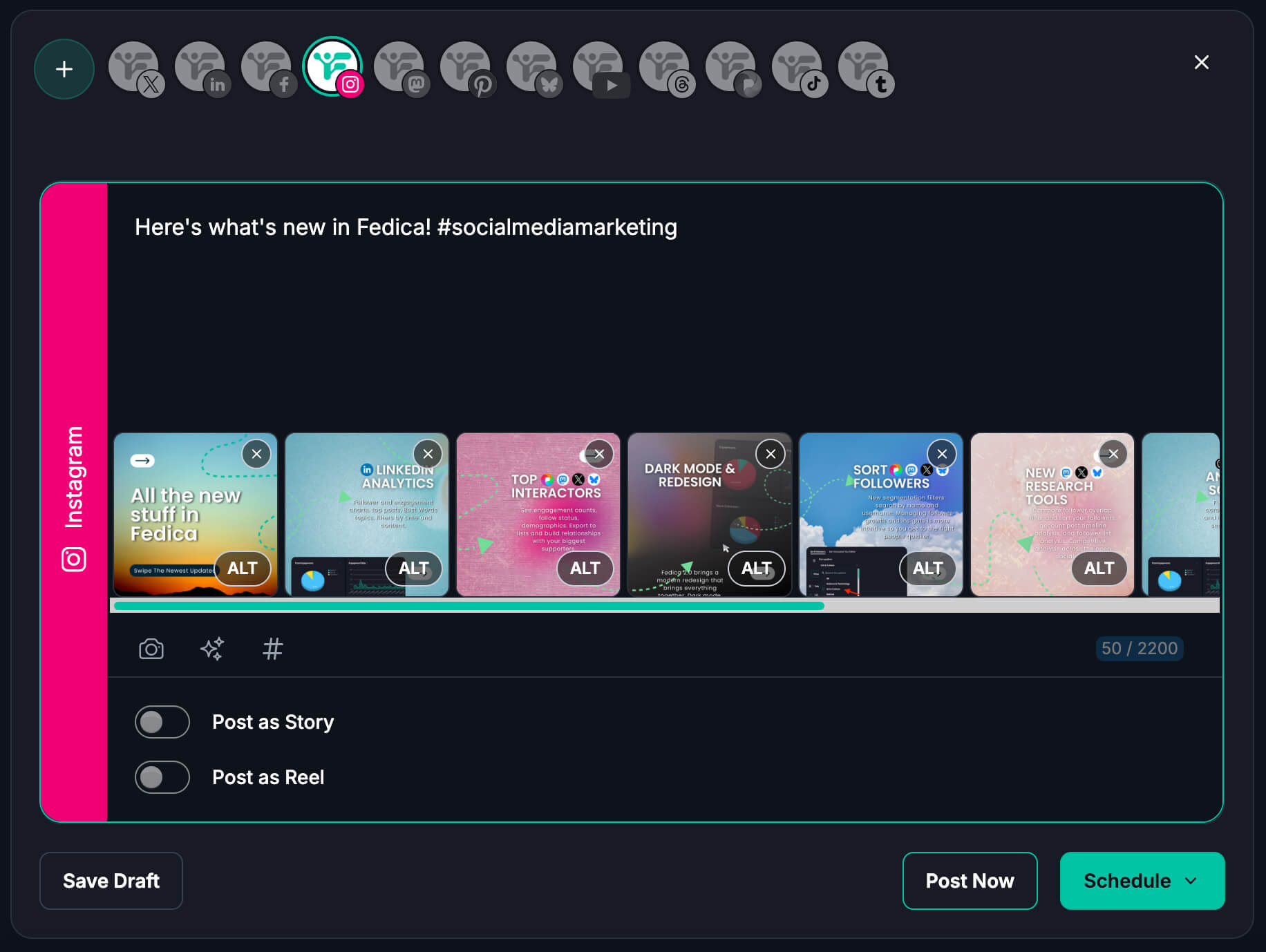
Scheduling saves time! You batch your creativity once and posts go out at the right time without you being on your phone. You can schedule Instagram posts free with Fedica and still get the full 10-slide carousel support. Many teams save 6 or more hours a week when they batch and schedule instead of posting in real time. Fedica’s content calendar works across 12 platforms, so you can plan a week or month of carousels alongside threads, polls, and other content in one place. You get control over when each carousel goes live, including best-time suggestions by time zone. That means no more dropping everything to post at “peak” times. Set it once and your carousel publishes when you choose.
Schedule an Instagram carousel with up to 10 slides (no 10-slide cap)
Fedica lets you schedule up to 10 images in an Instagram carousel from the scheduler. That’s the full count Instagram allows. Carousels often outperform single-image posts for engagement and saves, so being able to schedule the full 10 gives your best content a better shot. With Fedica you get the full 10 without opening your phone. That’s a clear advantage for tutorials, before-and-afters, or any multi-step content you want to schedule ahead. We added support for all 10 so you don’t have to choose between using a scheduler and using the full slide count.
How to schedule an Instagram carousel with Fedica (up to 10 photos)
- Open the content calendar and create a new post.
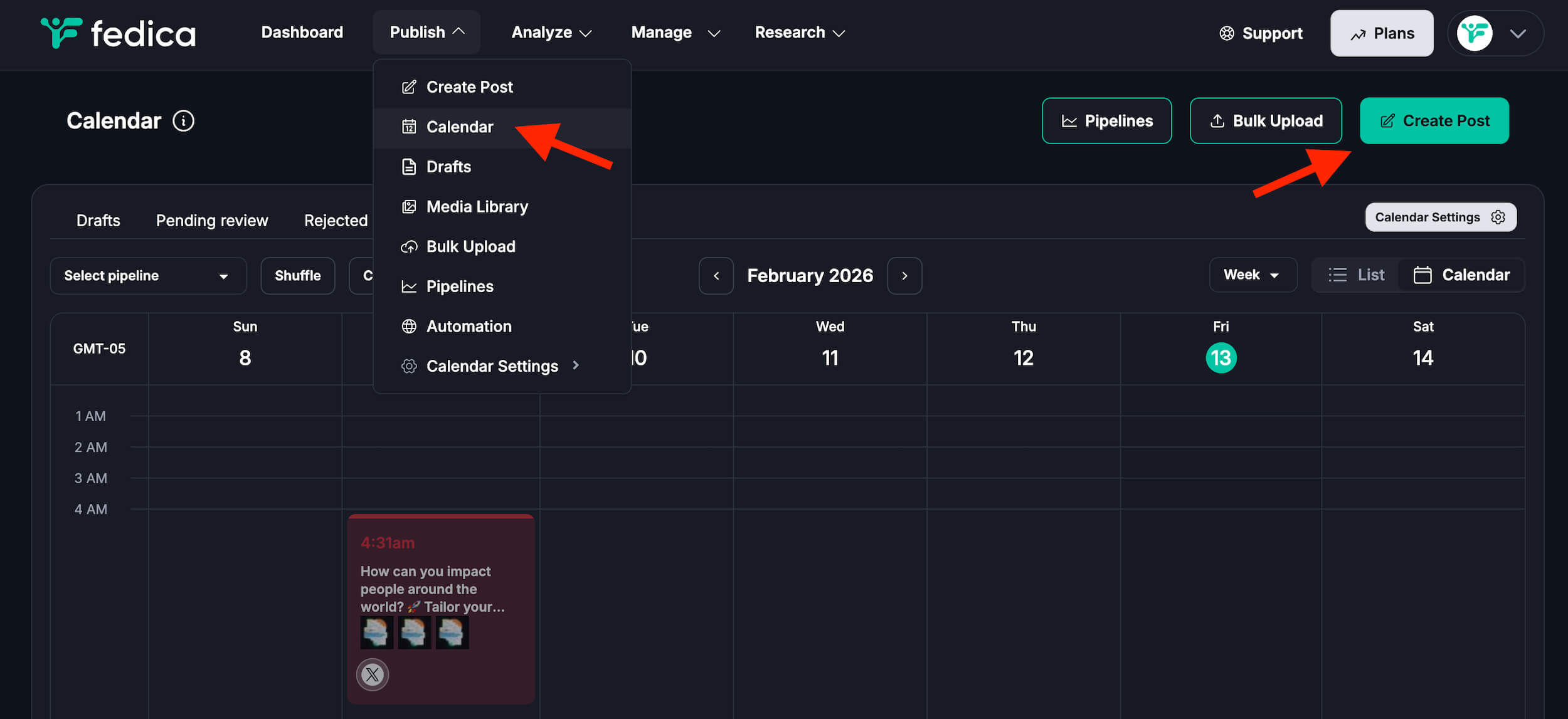
- Select Instagram and add up to 10 images / videos.
- Write your caption and set date and time (Fedica’s best-time suggestions can pick for your audience).
- Add tags and collabs if you want, then save. The post publishes automatically.
Your carousel sits in the same calendar as your other posts across 12 platforms. Fedica gives you the full 10 media in one, and one workflow.
Tag people and create collab posts when you schedule Instagram carousels
Fedica’s scheduler lets you tag specific people with tag suggestions on Instagram and make collab posts with others, all from the same scheduled post, so they publish with the carousel when it goes live. You set them once and save a step. Tags and collab invites go out with the post, so you can skip opening the app at publish time.
Same idea, two places: schedule an Instagram carousel and a Threads thread
You can use one piece of content as both an Instagram carousel and a Threads thread. Schedule the carousel to Instagram and adapt it as a thread on Threads; post both at once or spread the thread over time. That’s the same idea behind crossposting Instagram and Threads—one idea, multiple formats. Fedica’s content calendar supports both platforms with custom content per network, so you tailor messages per platform in one workflow.
That works especially well when audiences are spread across more than one place. Cross-posting Instagram content to Threads or other platforms keeps your message consistent without redoing the work. One idea, two formats, no double work.
Other ways to schedule Instagram carousels (app vs desktop)
In the Instagram app you can schedule up to 10 slides (mobile only, up to 75 days ahead). On desktop, use Meta Business Suite or Instagram management tools like Fedica. If you also have a Threads account, Threads analytics and scheduling (including crossposting and audience mapping) live in the same Fedica dashboard. Fedica supports up to 10 carousel slides from the scheduler. You also get one calendar for 12 platforms, best-time suggestions, and carousels alongside threads and polls.
How many slides can I schedule? In the Instagram app, up to 10.
Why can’t I schedule posts on Instagram? Usually it’s account type (professional or creator needed), app version, or region; check those first. If you’re using a third-party tool, make sure your Instagram account is connected and that the tool supports carousels, and check how many slides it allows.
Frequently Asked Questions
Can you schedule Instagram carousel posts?
Yes. You can schedule Instagram carousels in the Instagram app (tap Create → Post → add multiple photos/videos → Advanced settings or More options → turn on “Schedule this post”) or with a scheduling tool. Fedica lets you schedule carousels with up to 10 photos from one calendar and publish automatically at your chosen time.
How many slides can I put in a scheduled Instagram carousel?
Instagram allows up to 10 photos or videos per carousel. In the app you can schedule the full 10. Fedica supports up to 10 images in a scheduled carousel, so you can use the full count without posting manually.
How do I schedule an Instagram carousel?
In Fedica: open the content calendar, create a new post, select Instagram, add up to 10 images, write your caption, set the date and time (you can use best-time suggestions), and save. The post publishes automatically. You can also add tags and collab invites before it goes live.
Why can’t I schedule posts on Instagram anymore?
Usually it’s your account type (you need a professional or creator account), an outdated app version, or feature availability in your region. Check your account settings, update the Instagram app, and if you’re using a scheduler, confirm your account is connected and that the tool supports the post type you’re trying to schedule.
Can I schedule Instagram carousels from my computer?
Yes. The Instagram app only lets you schedule from your phone. From a computer you can use Meta Business Suite or a scheduling tool like Fedica. Fedica’s calendar runs in the browser and supports up to 10 carousel slides, tagging, and collab posts, all from desktop.
How do I schedule a carousel post with a scheduling tool?
Connect your Instagram account to the tool, then create a new post and choose the carousel or multi-photo option. Add your images (check the tool’s slide limit; Fedica allows up to 10), add a caption, pick the date and time, and save. With Fedica you can also add people tags and collab invites in the same scheduled post.
Can I tag people in a scheduled Instagram carousel?
Yes with Fedica. Many schedulers don’t support tagging or collab posts inside scheduled carousels. Fedica’s scheduler lets you add tag suggestions and invite collaborators when you create the post, and they publish with the carousel when it goes live.
Can I schedule Instagram carousel posts with videos or only photos?
Instagram carousels can mix photos and videos (up to 10 items total). When you schedule in the app you can include both. With a scheduler, support depends on the tool: Fedica supports scheduling carousels with images and videos to Instagram, so you can mix both in one scheduled post.