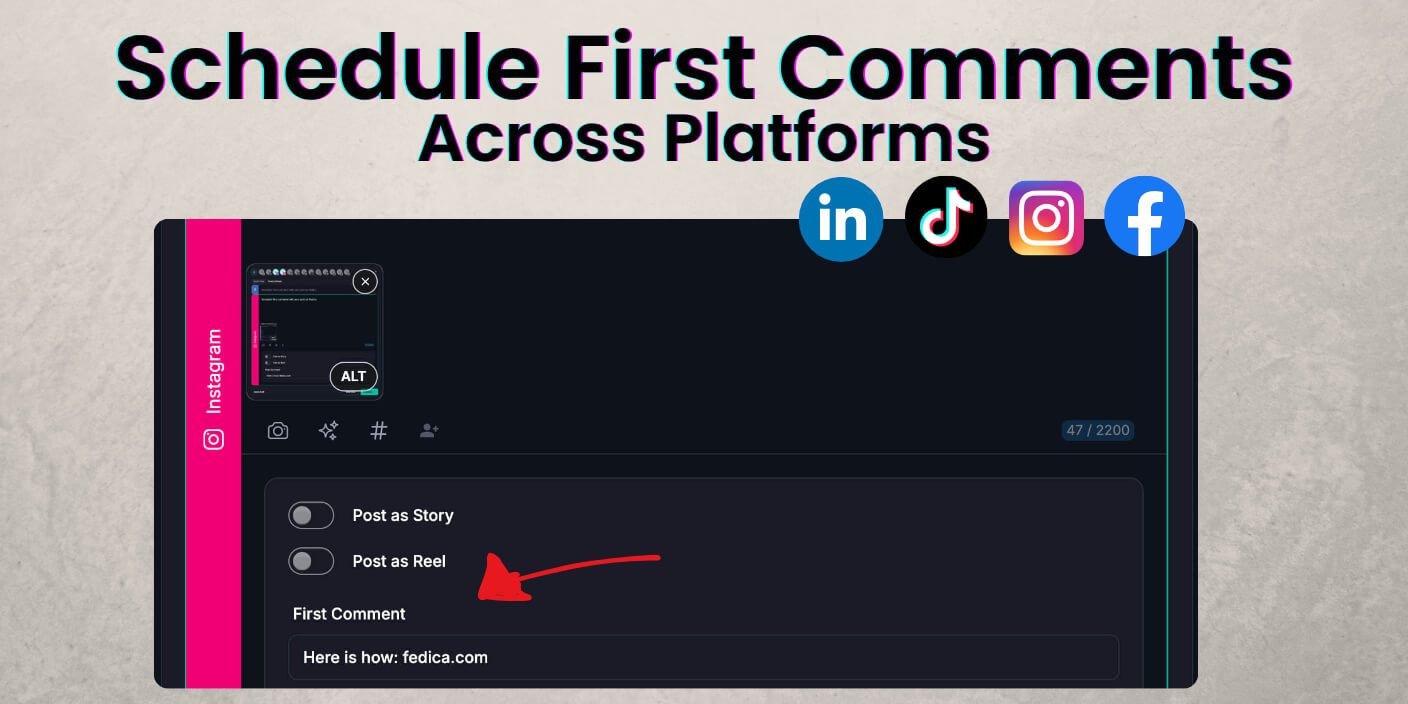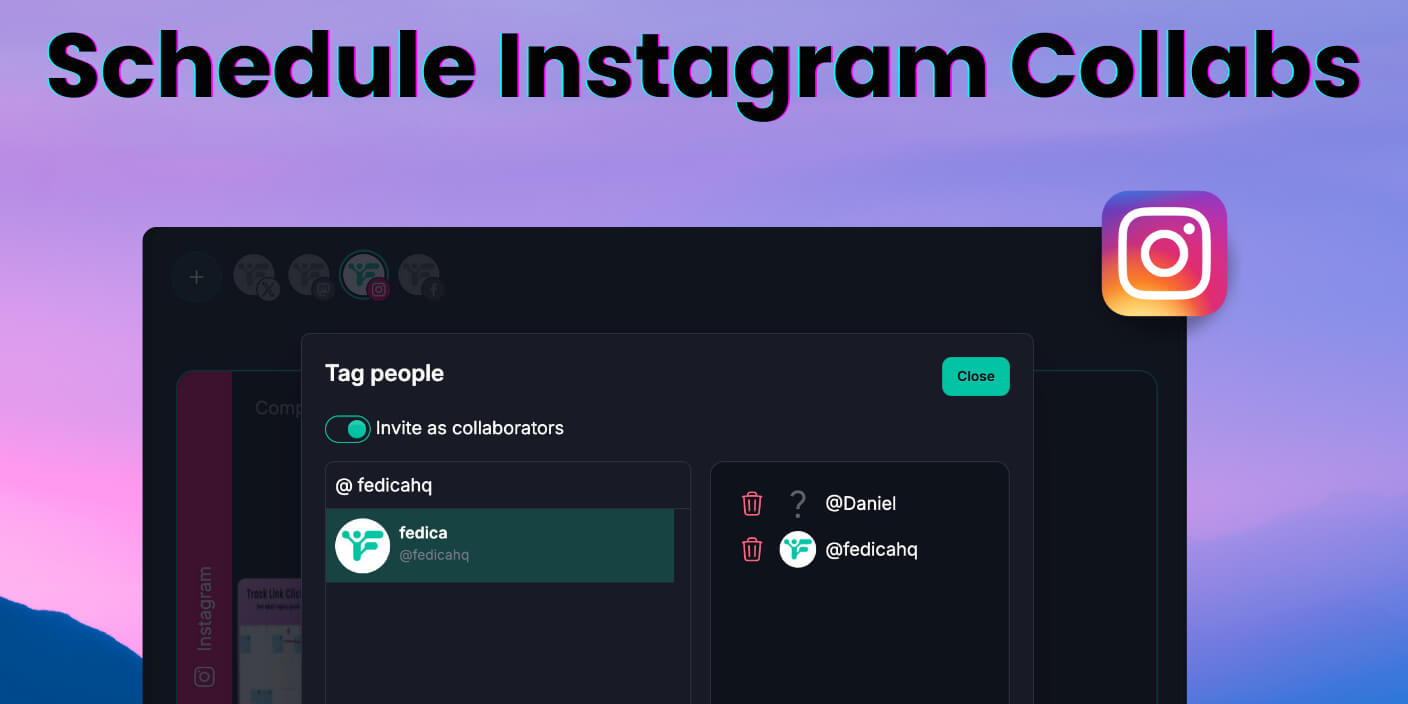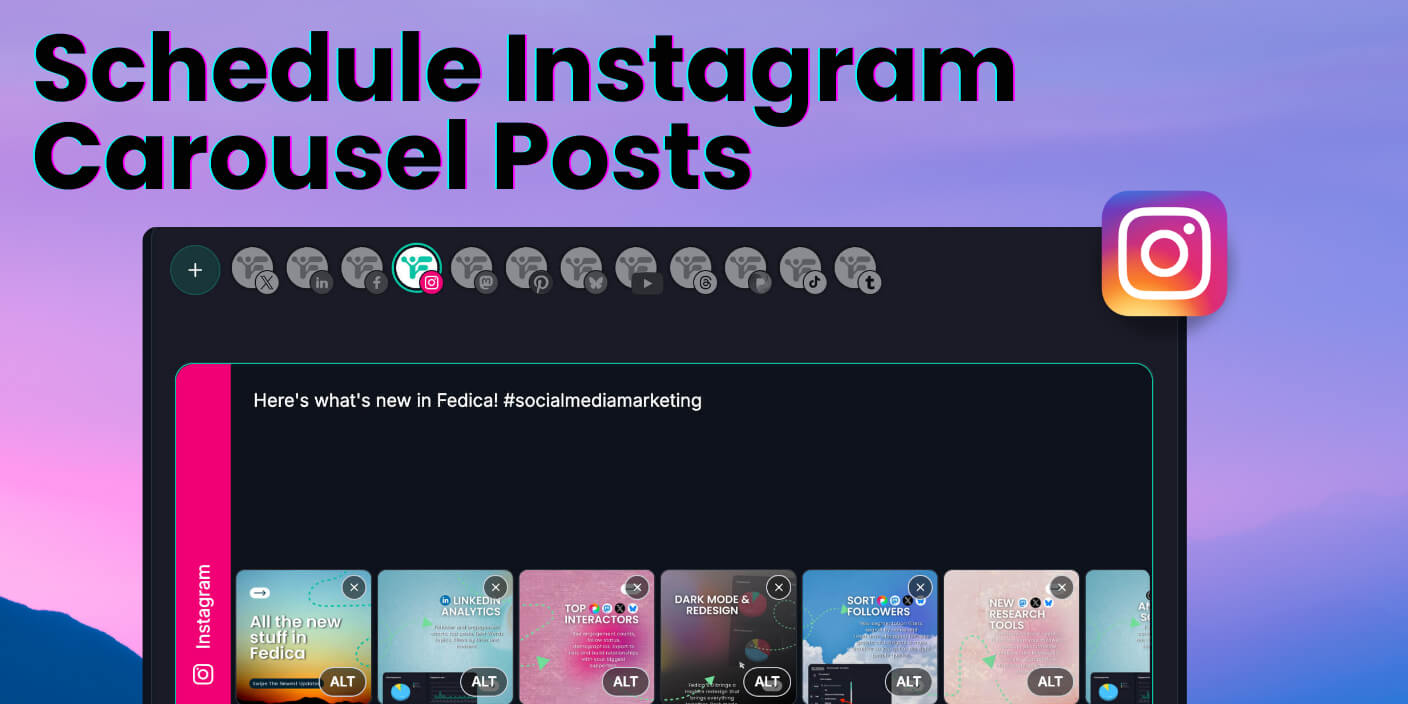
Alt Text Instagram: How to Schedule Descriptions Before You Post

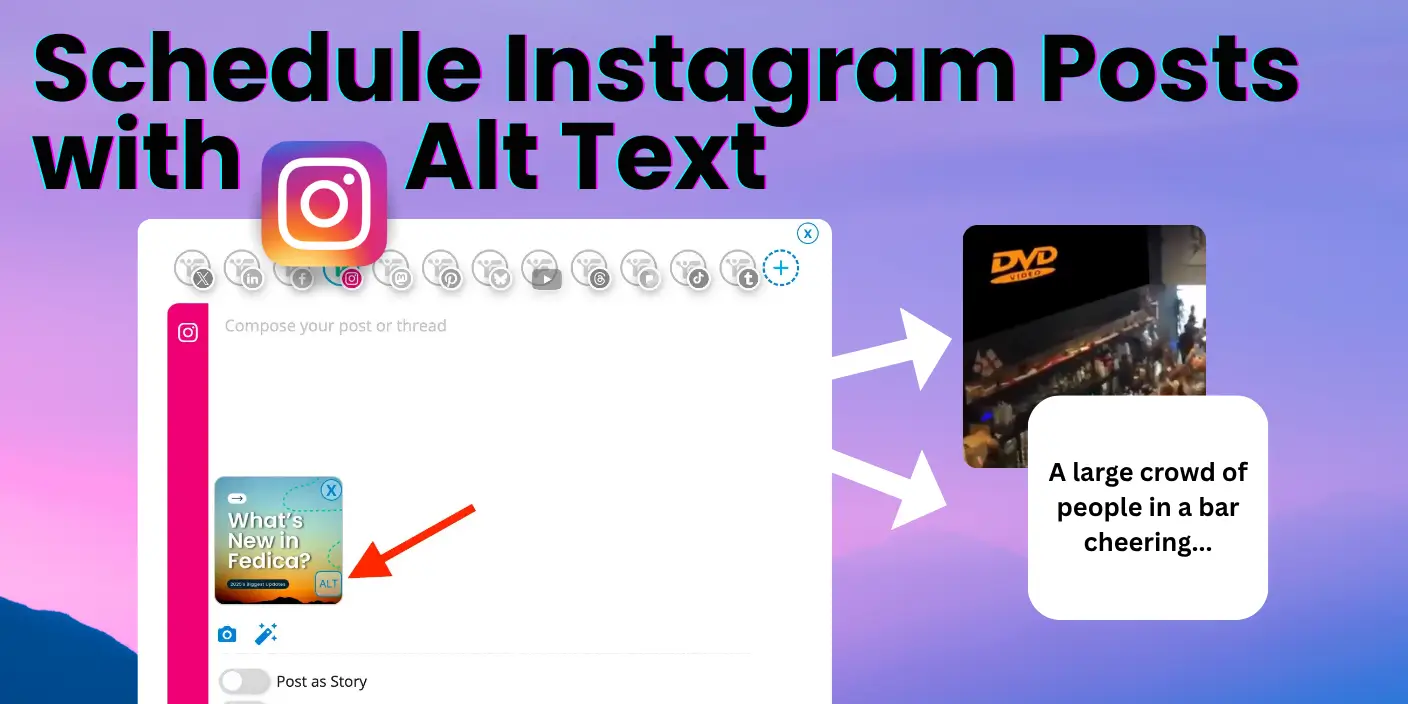
alt text Instagram scheduled to your content calendar easily with fedica

Alt text for Instagram may sound like an optional extra step, but it lets you have a short description so everyone can (including people who use screen readers) understand what’s in your photo. If you’ve ever posted in a rush and forgotten to add it, you’re not alone. Between juggling content calendars, client feedback, and … Read more

Why You Need to Be Cross Posting Instagram Content

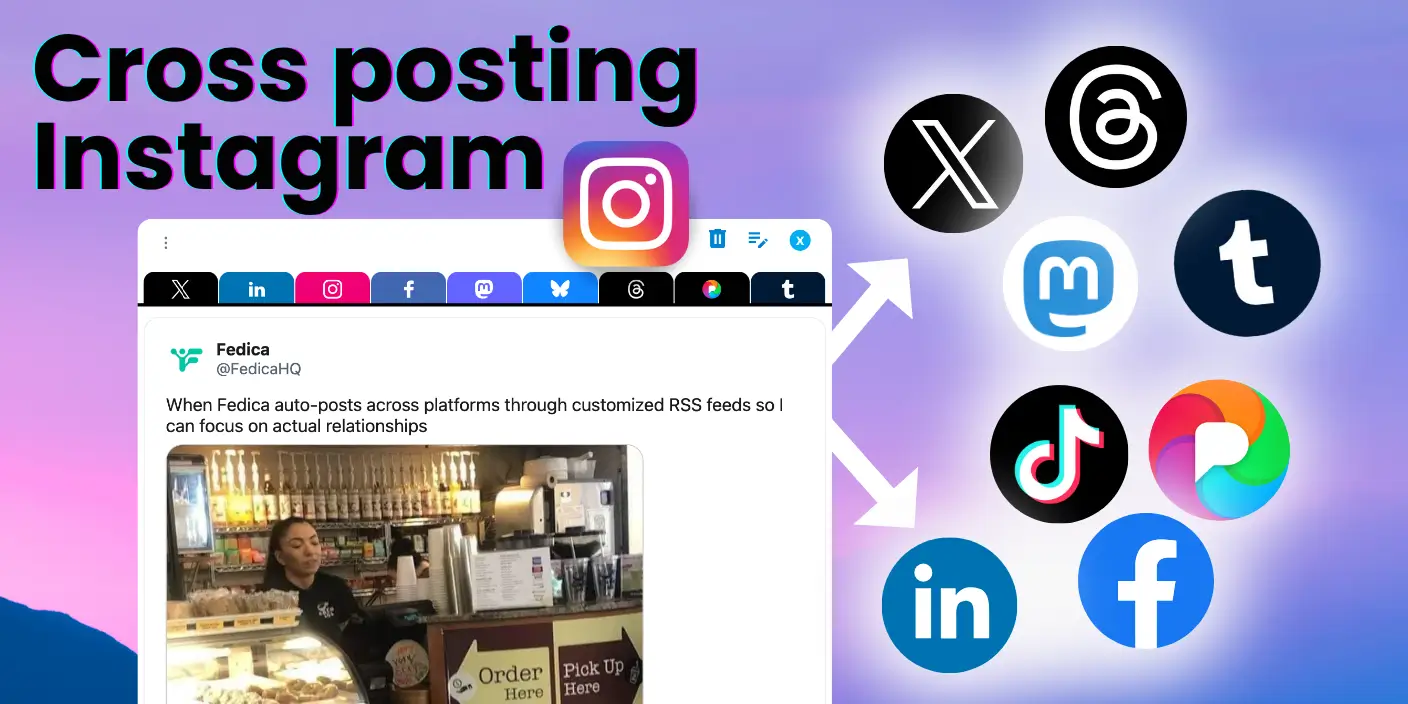
Cross posting Instagram content expands your reach instantly. Your audience isn’t just on Instagram, they’re on Facebook, Threads, TikTok, and more but they are likely browsing for different reasons, looking for different kinds of content. And you could use Meta Business Suite, but it’s often unmaintained and is not so reliable. So here’s a free … Read more

Schedule Instagram Posts for Free (and Cross-Post)

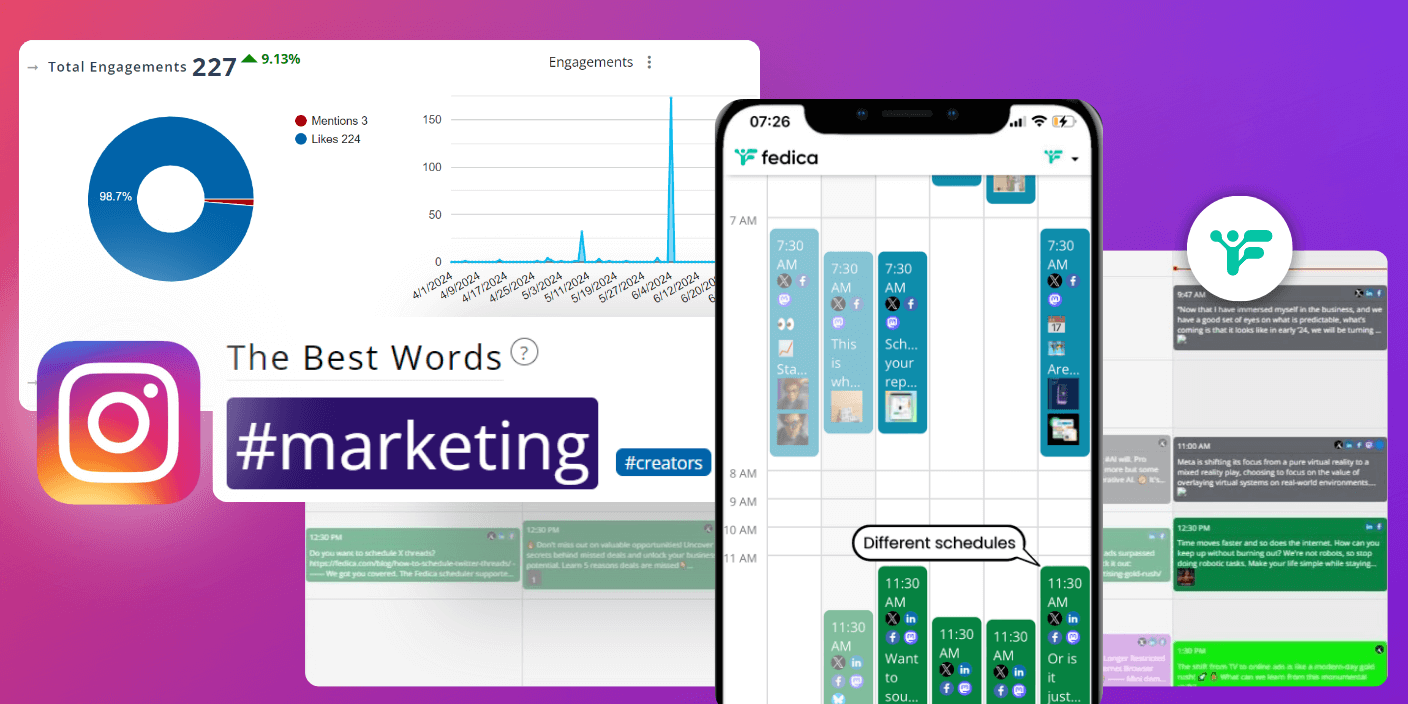
Meta Business Suite, one of the tools to schedule Instagram posts, has a bit of problems. Sometimes its slow, unreliable, and users frequently encounter issues like vanishing content and failed scheduling attempts. These problems make it challenging to maintain a consistent Instagram presence, especially for busy professionals or businesses managing multiple accounts on different social … Read more

How to Schedule Threads Posts for Free 

Want to schedule Threads posts for free and also track Threads analytics from the same tool? How about instantly customizing them to X (Twitter), Mastodon, Bluesky, and LinkedIn at the same time?   Imagine writing one thread, then adding all your other networks in one tool, then tweak the hashtags, tags, change up the videos and … Read more

How to Link Your Instagram Account to Your Facebook Page in 2025

Are you trying to link your Instagram account to your Facebook Page? You’re in the right place!  Brief Steps To Link Your Pages: 1. Create a Facebook Business Page if you don’t have one 2. Log into Instagram, click ‘Settings & Privacy’ in the ‘Settings’ menu by tapping the Gear Icon 3. In the Instagram … Read more